
Create portraits, posters and social images with RSP presets
RSP presets20 rsp editing templates ready on the homepageRSP Edit Online with AI
Create an RSP edit from a text prompt or reference photo. Explore portrait, rain, boy and car styles, customize your prompt, then preview and download your generated images.
Sign-in and credits required for generation. Check the credit cost in the workspace.
AI Editor
RSP editing generator
Pick an rsp editing template or write your own prompt. 20 curated presets across travel, portrait, social, product, and aesthetic — then ai edit photo results until they match your vision. Sign in to generate; each generation uses credits shown in the workspace.
RSP editing AI image generator
Advanced model settings
RSP Style Presets
Click a preset to fill the prompt — edit freely before generating.
Sign in or create an account to see your available credits. Trial availability is set by the current account policy.
Text creation costs 2 credits; vehicle photo editing costs 4. A task is charged when it is accepted. If the provider reports failure or cancellation, those credits are returned.
No Images Generated
Explore RSP Style Effects
Open a focused generator for the RSP photo effect you want to create next.
RSP editing templates & real results
20 outputs from our rsp editing template library — filter by category or open the generator to recreate any look.
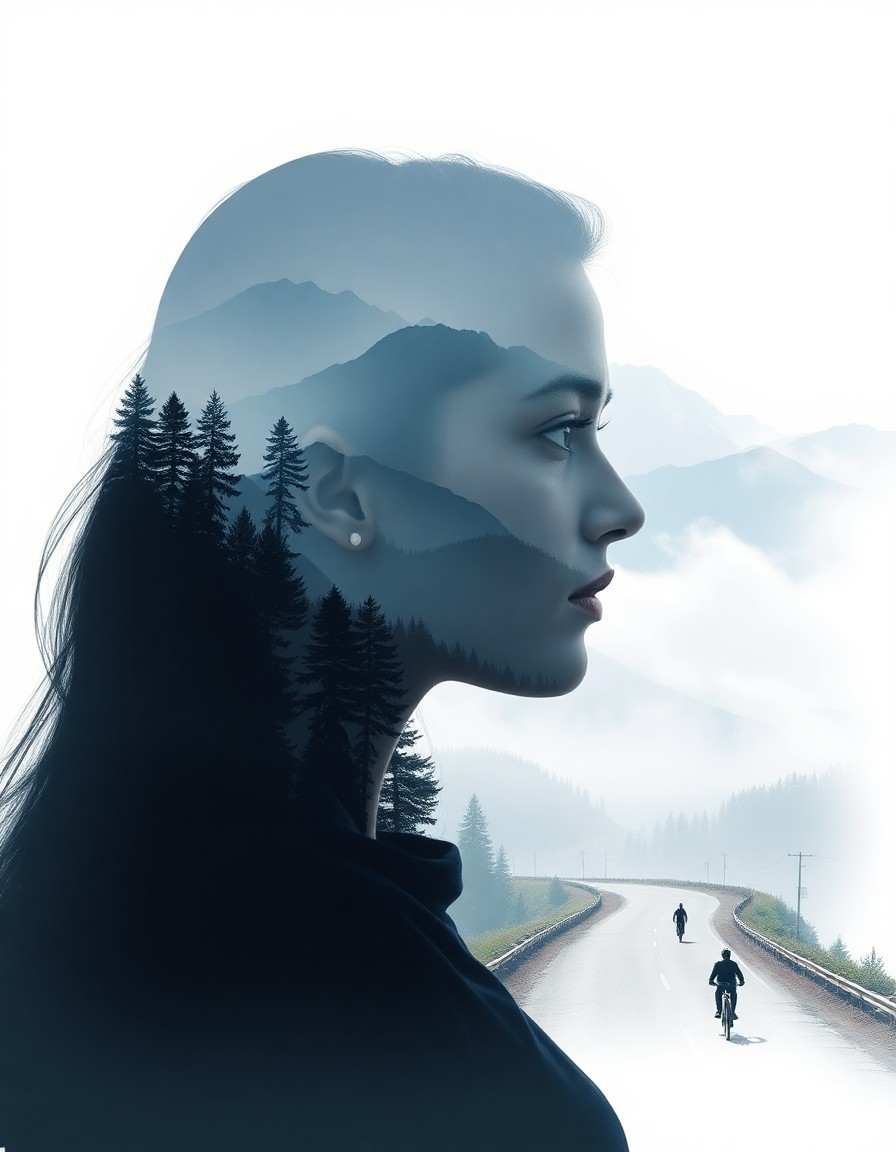
Double Exposure Rishikesh
Himalayan valleys blended inside a portrait silhouette
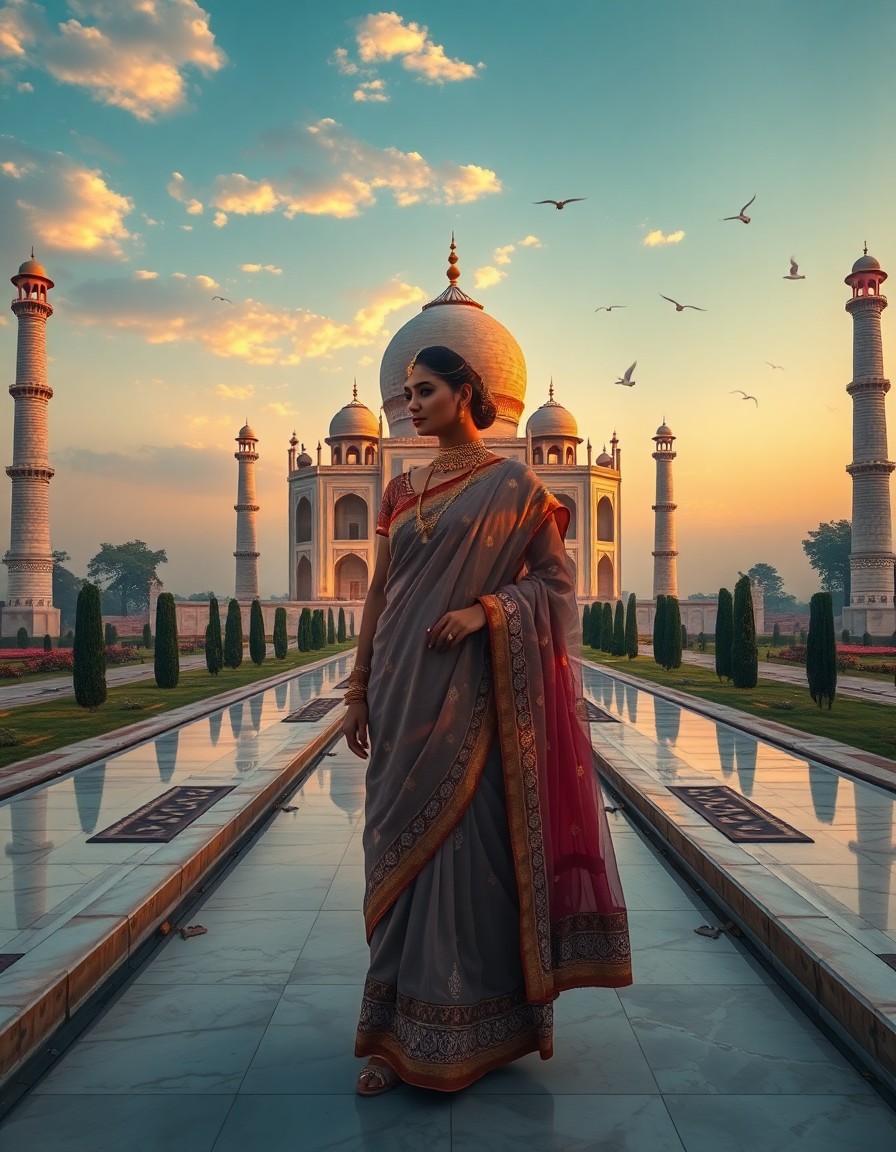
Double Exposure Taj Mahal
Royal sunrise Taj Mahal merged into an elegant portrait
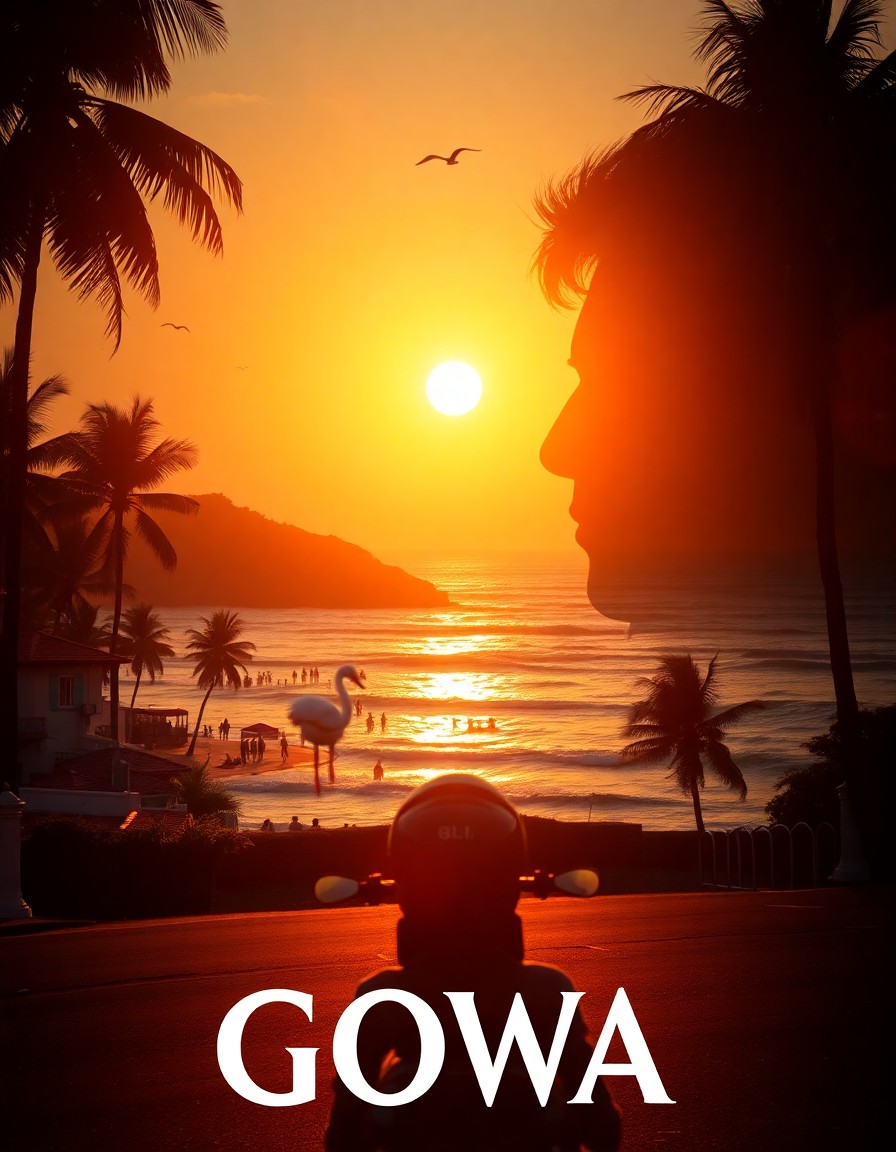
Double Exposure Goa
Sunlit beaches and coastal roads inside the silhouette
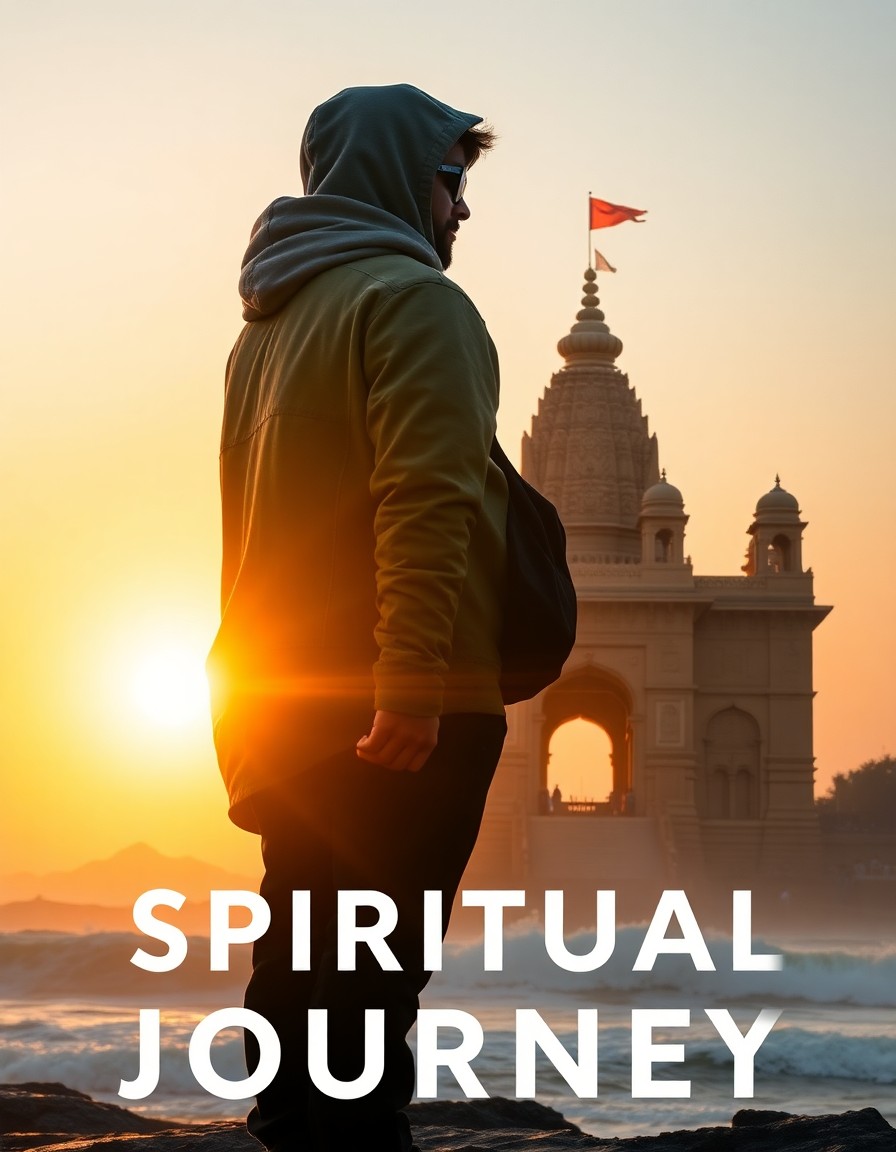
Double Exposure Jagannath Puri
Spiritual temple journey in a side-profile silhouette
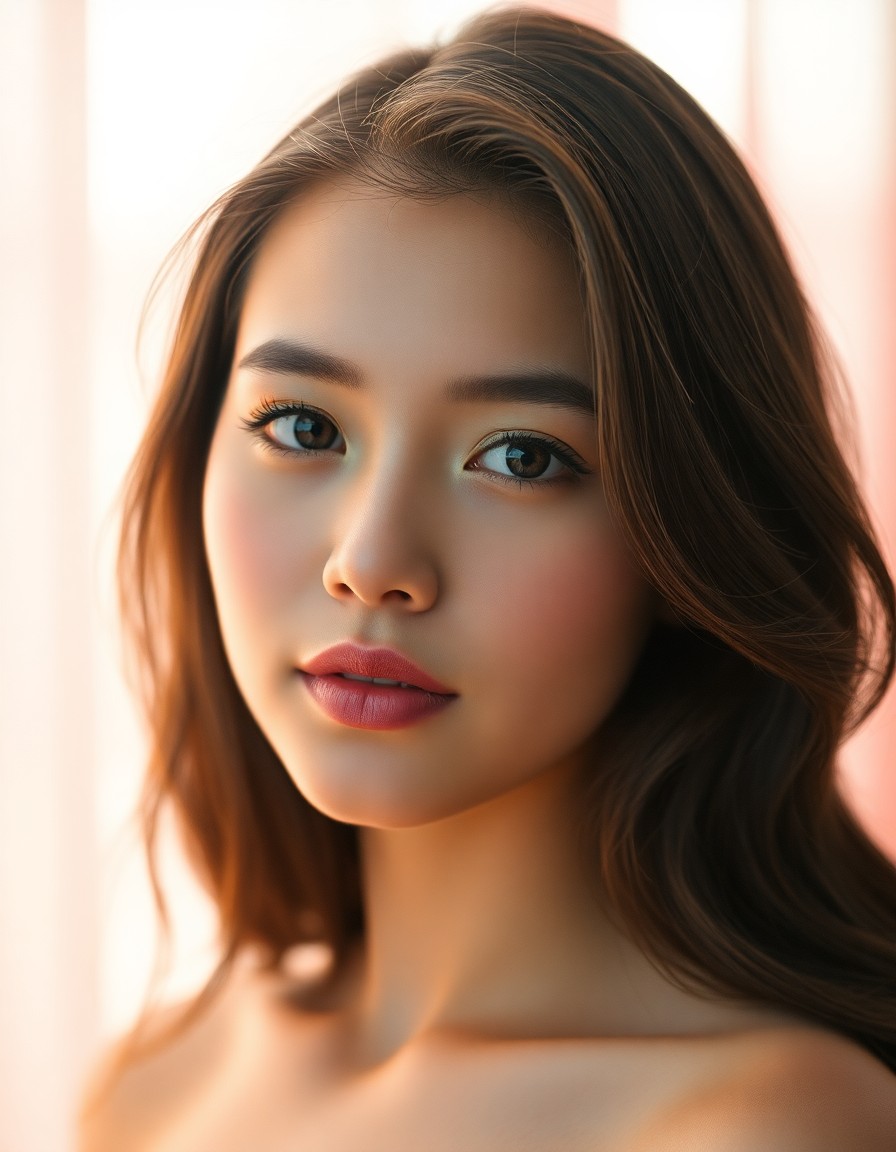
Soft Glow Portrait
Warm peachy skin with soft film grain and glow
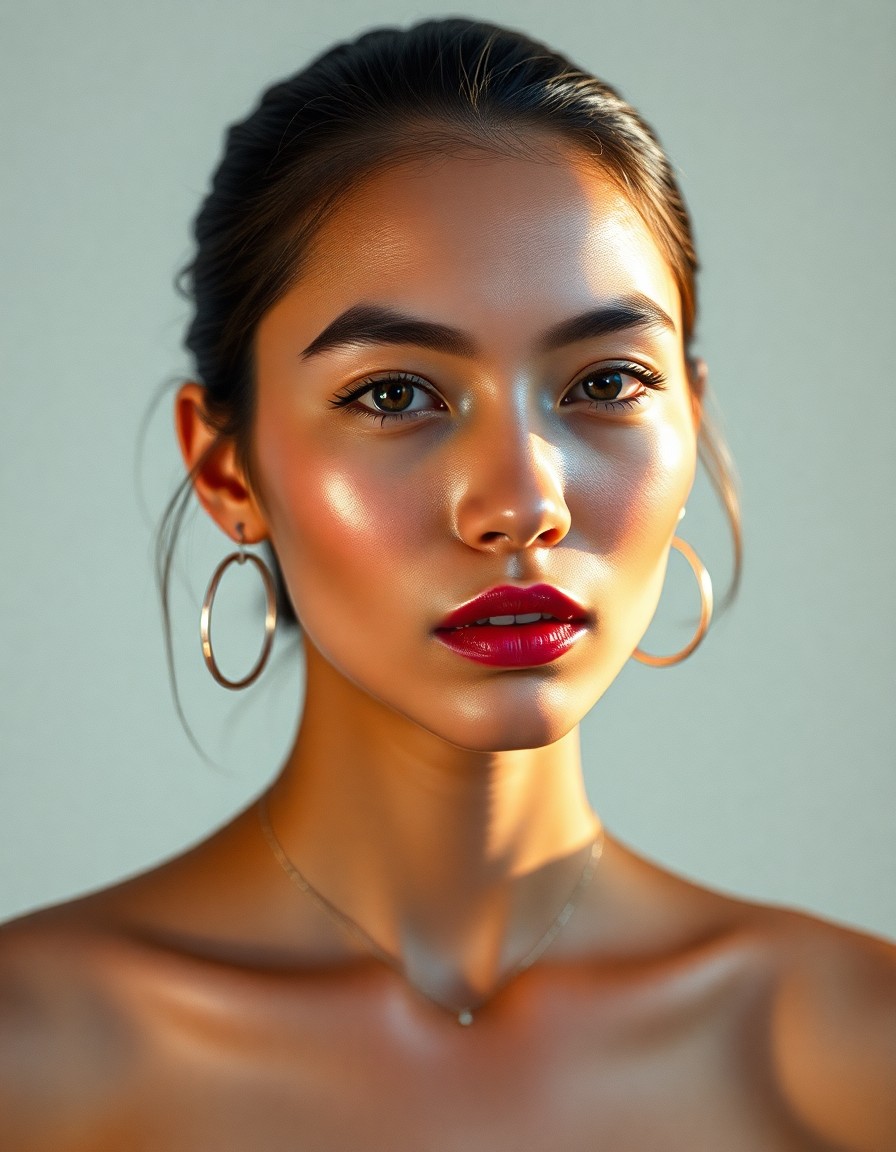
Y2K Flash Portrait
Direct flash, glossy skin, early-2000s editorial vibe
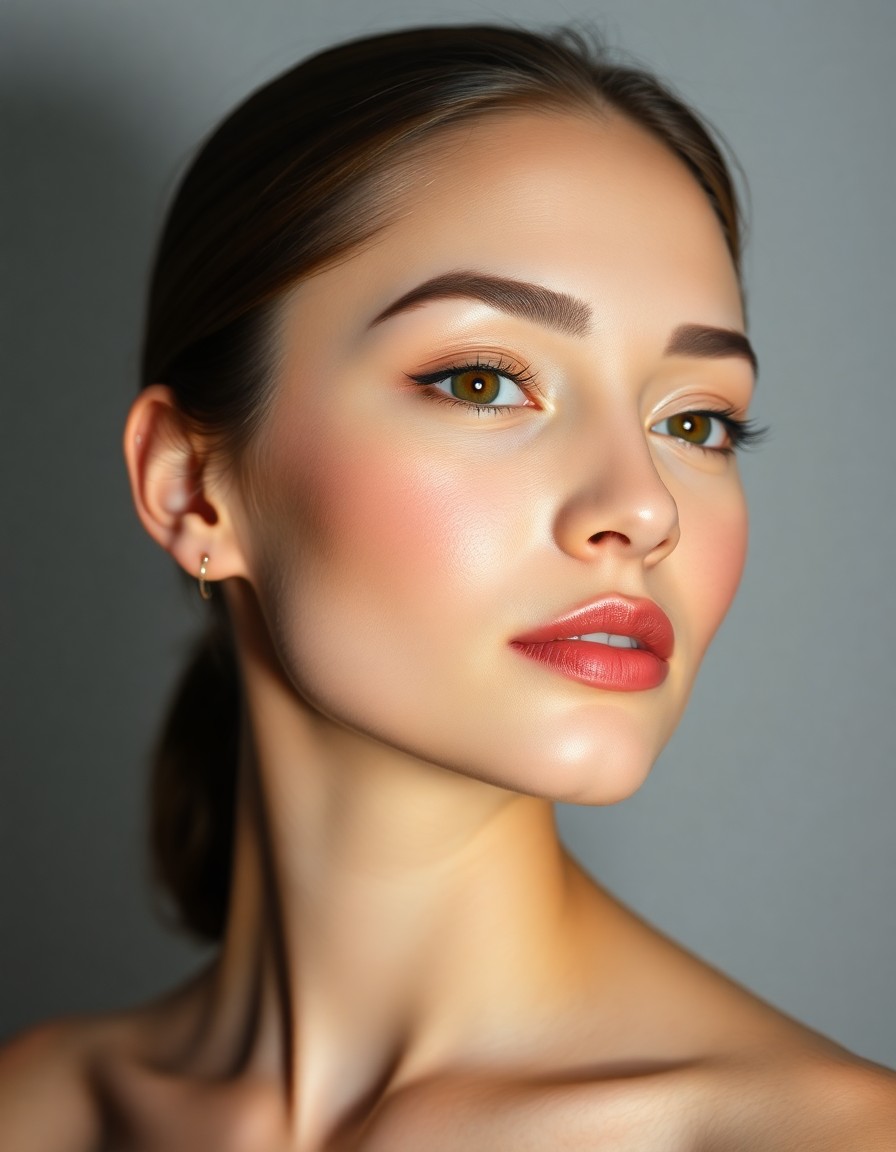
Studio Beauty
Clean studio light, polished commercial beauty look
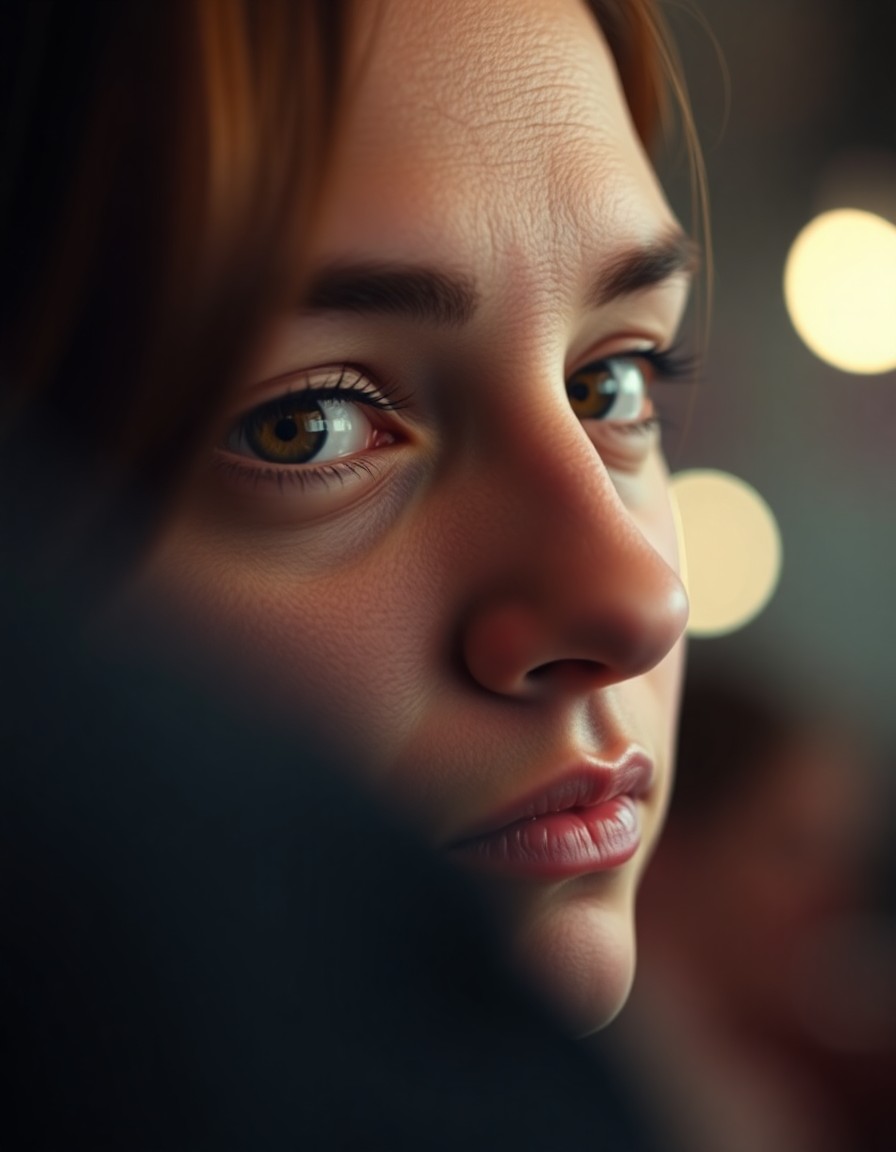
Cinematic Close-Up
Shallow depth of field, moody cinematic framing
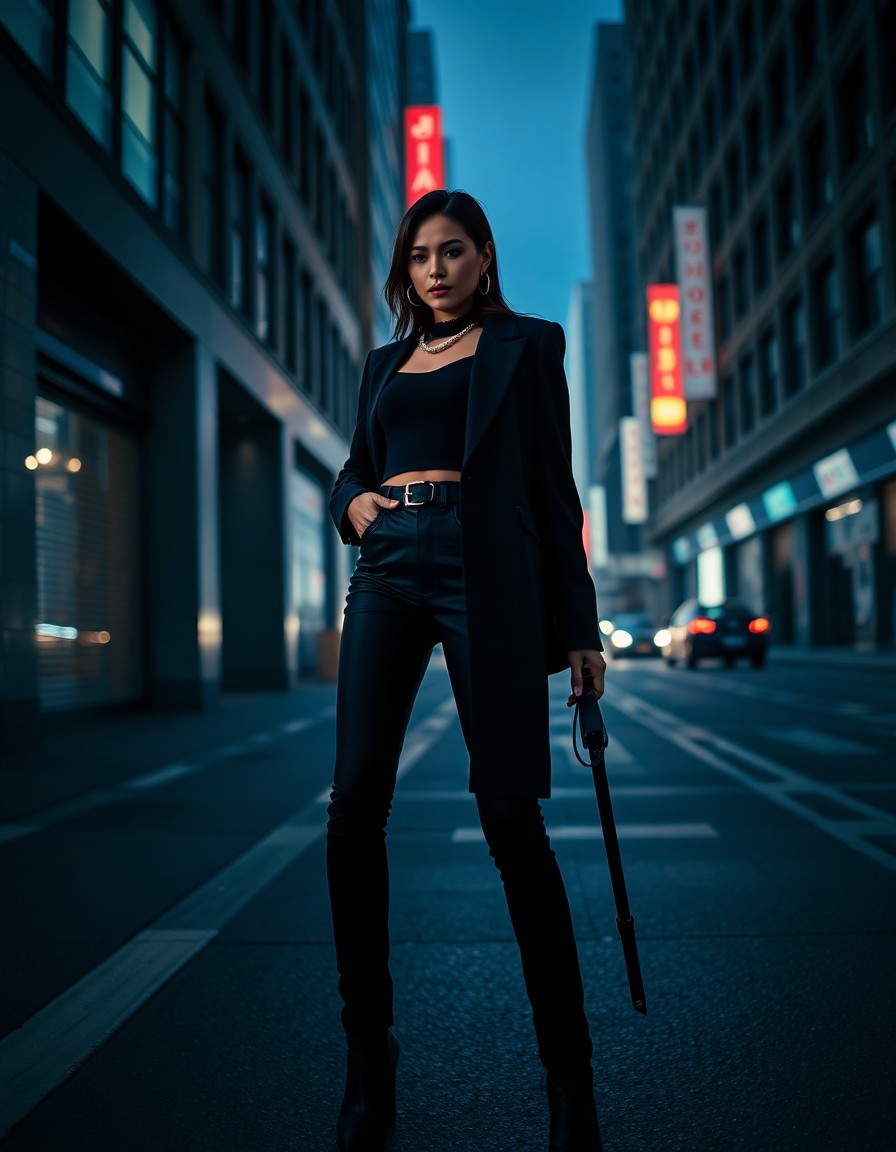
Street Fashion
Urban editorial with bold outfit and city light
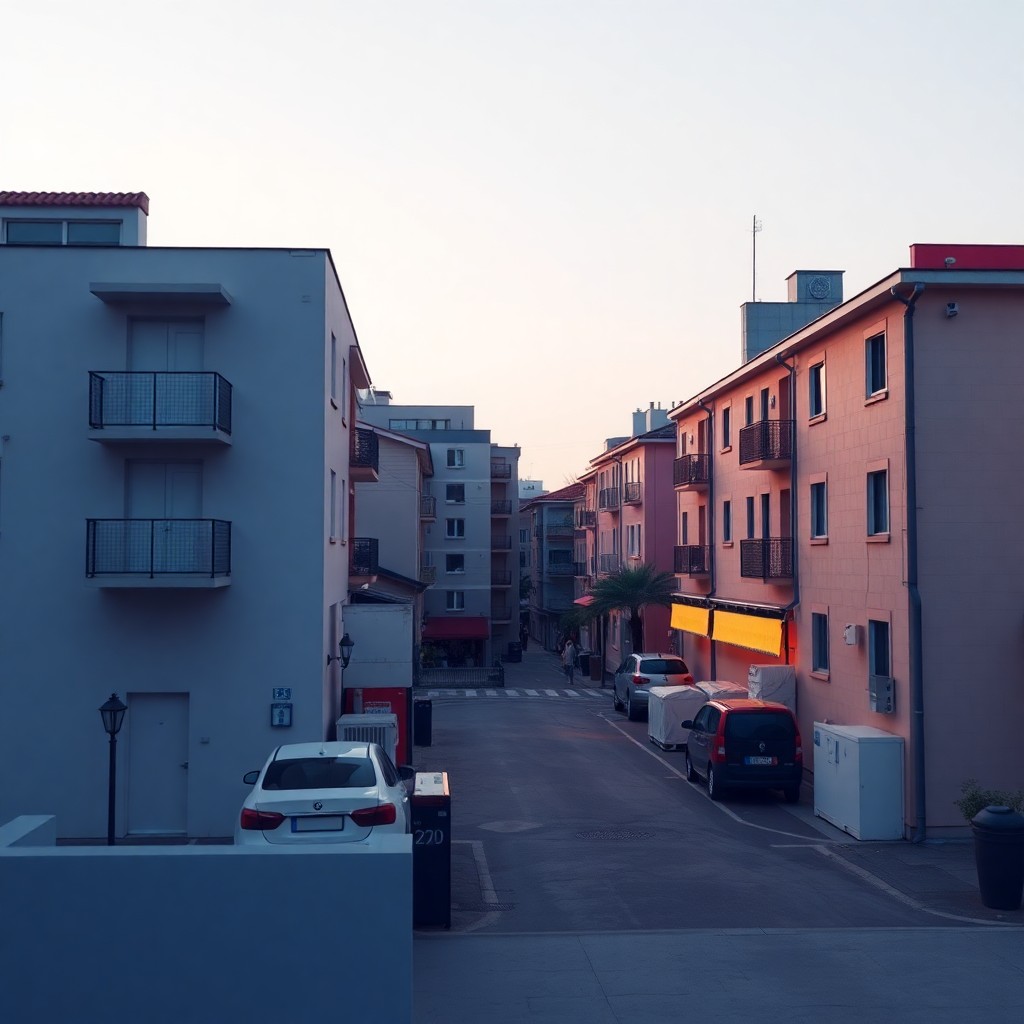
Carousel Cover
Bold focal hierarchy with headline-safe negative space
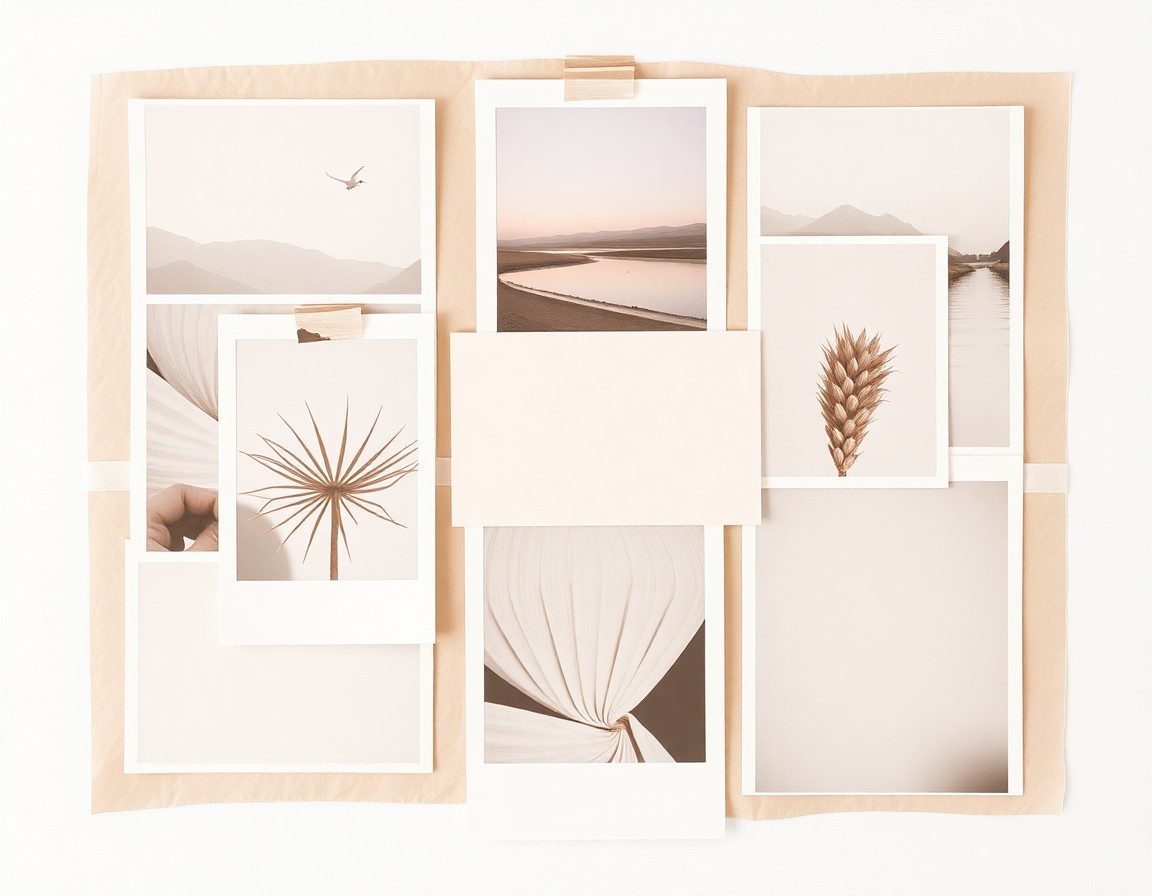
Mood Board
Warm cohesive collage with editorial spacing
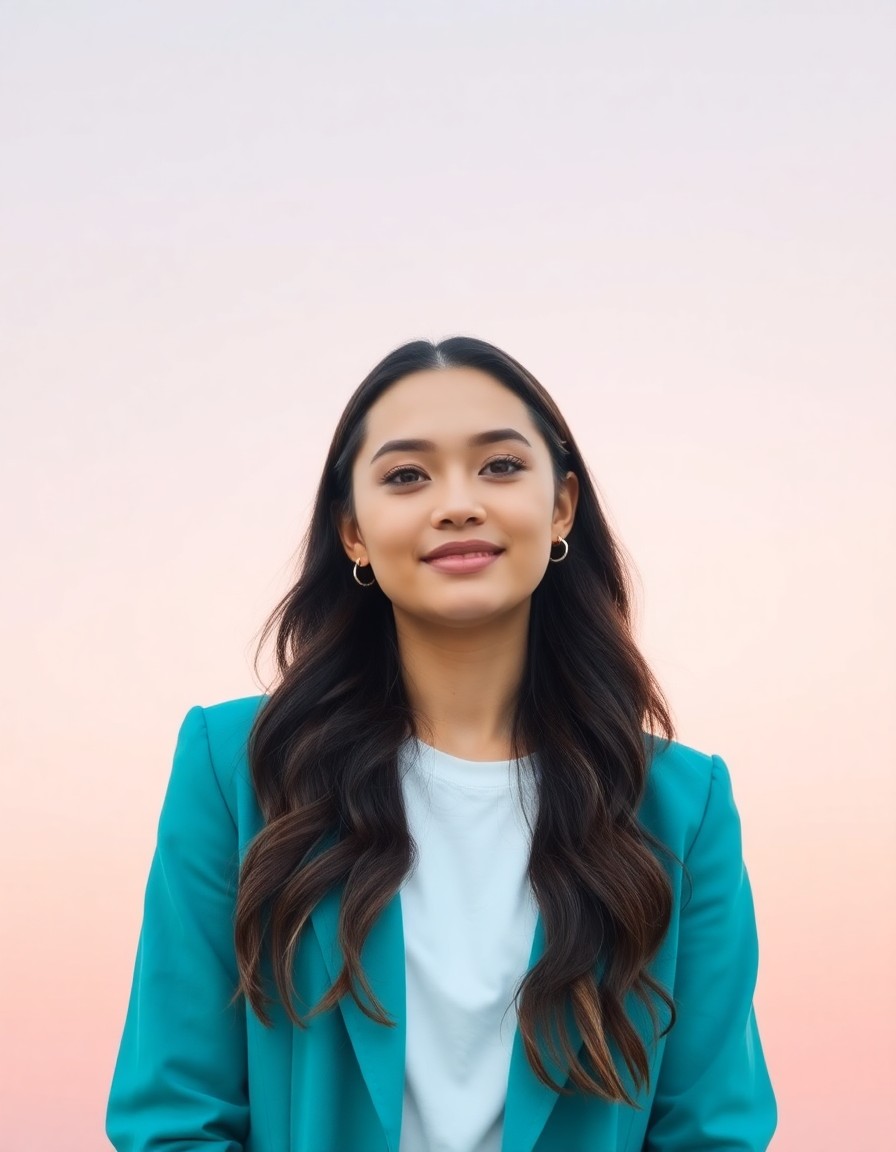
Reels Cover
Vertical cover with strong subject and title space
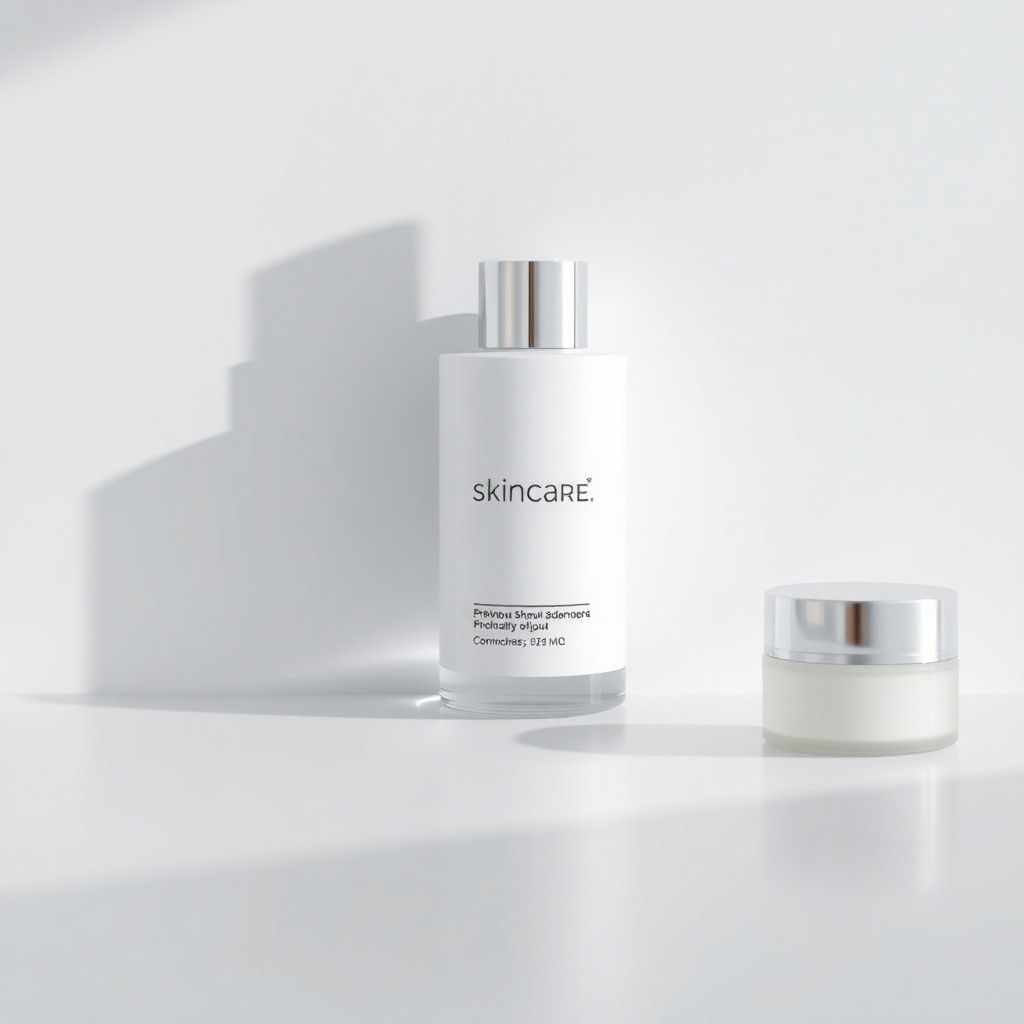
Clean Product Shot
Minimal studio background with luxury e-commerce polish
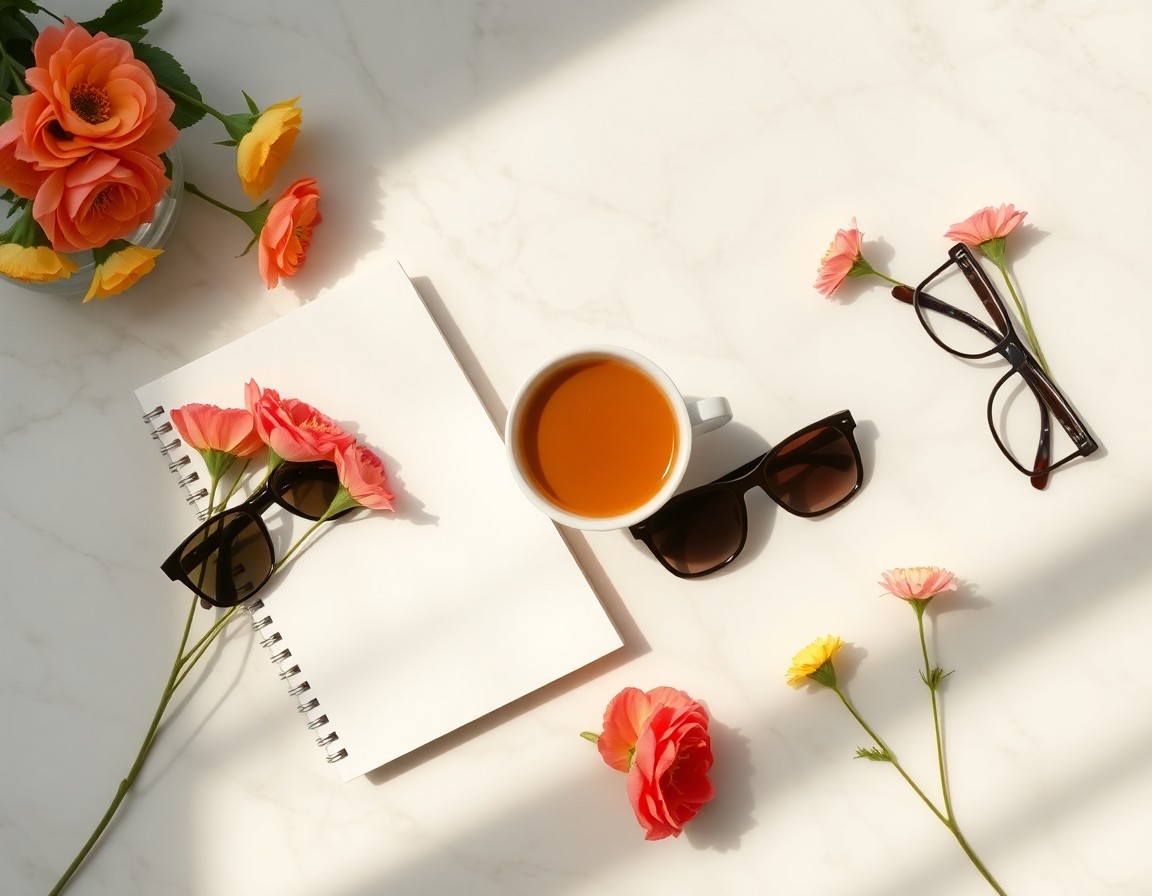
Lifestyle Flat Lay
Curated props on marble with natural light
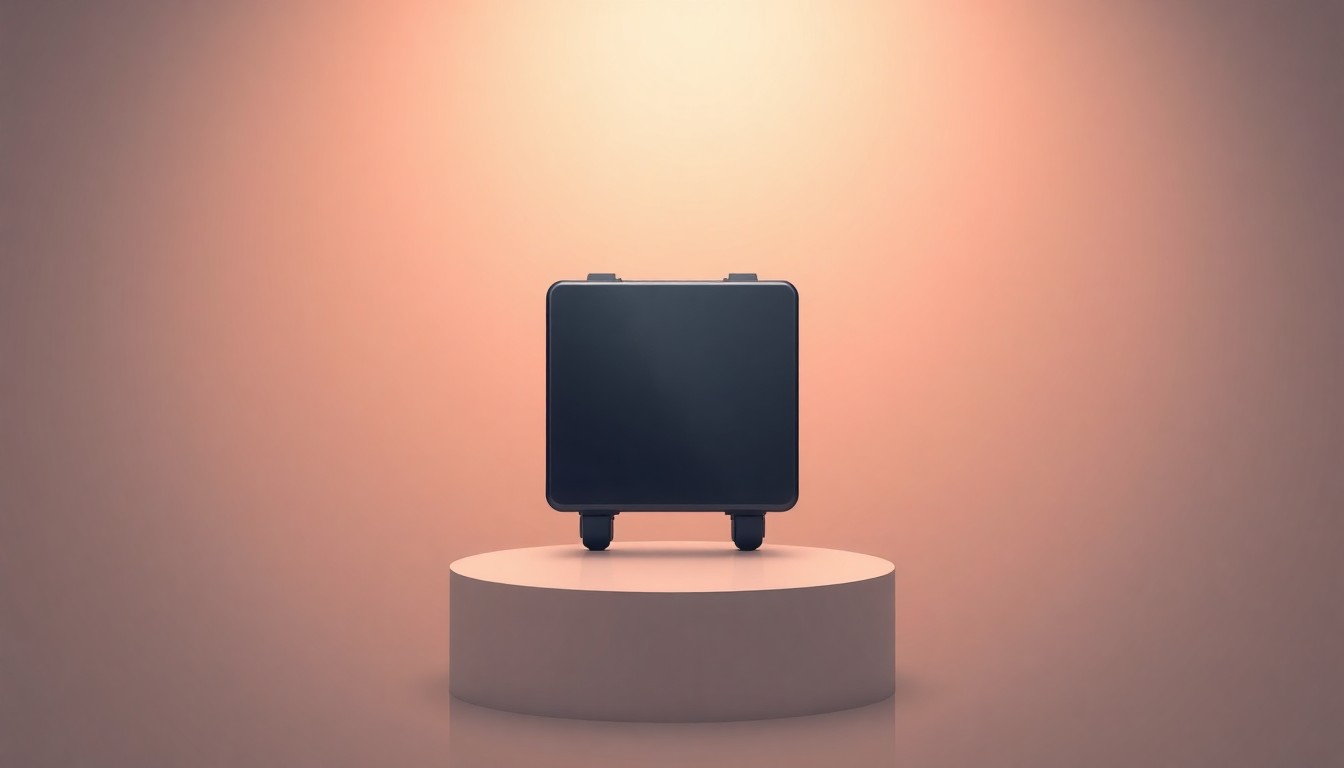
Hero Product Banner
Campaign banner with product hero and gradient backdrop
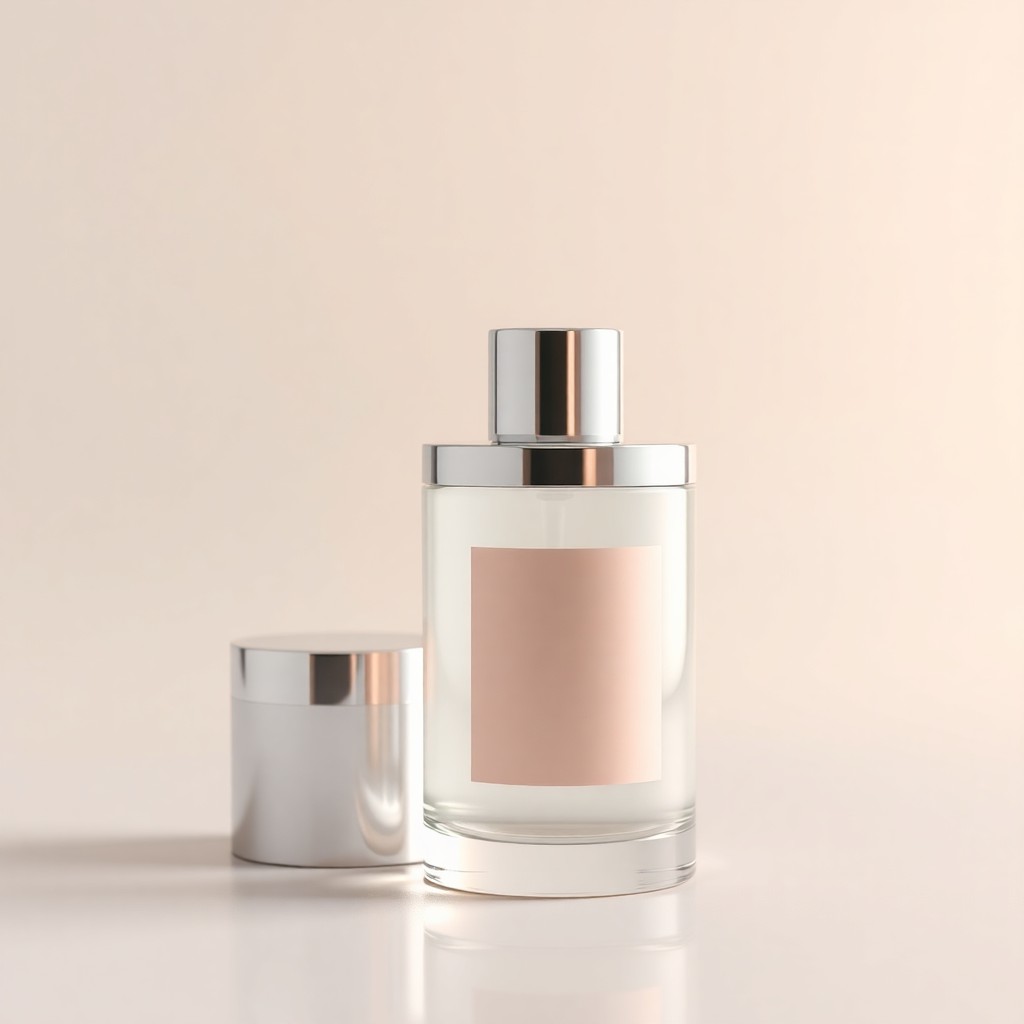
Luxury Cosmetic
Glass bottle highlights with spa-like soft reflections
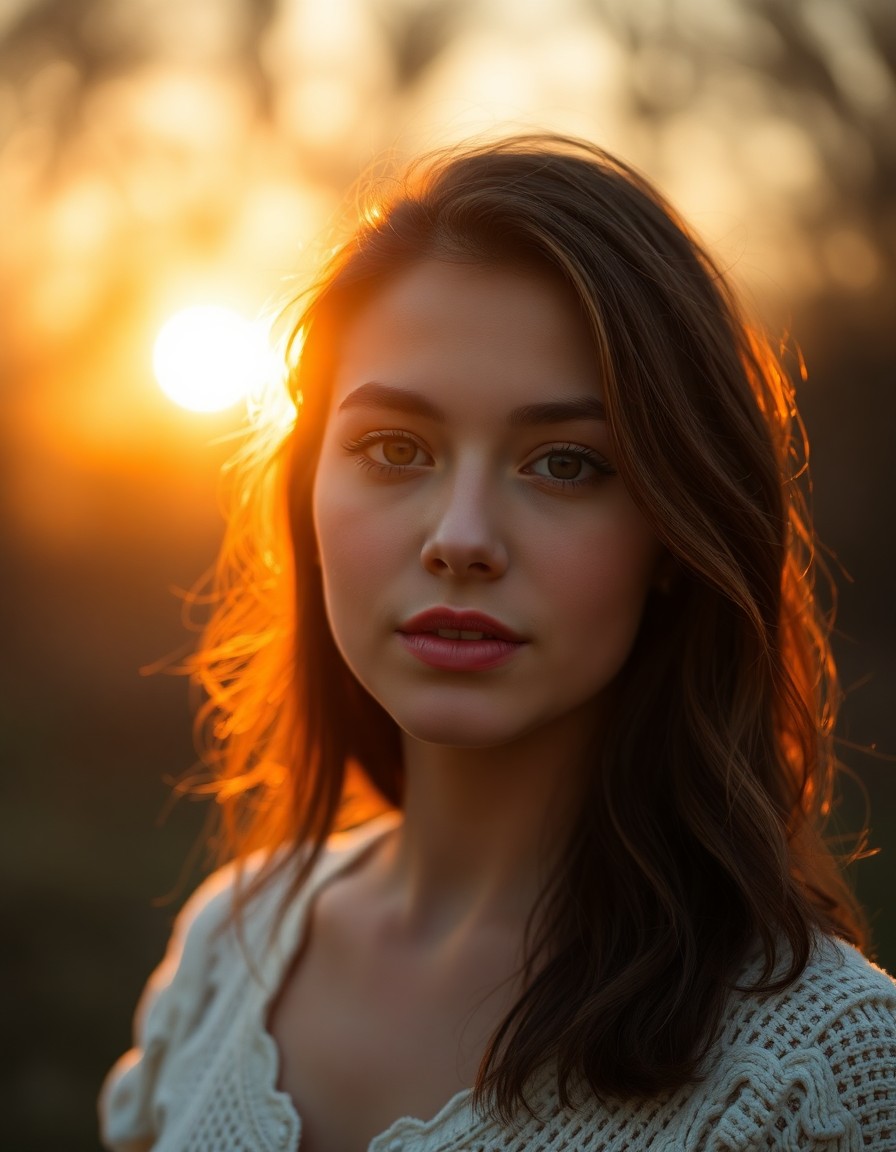
Golden Hour
Sun-kissed backlit warmth and lens flare
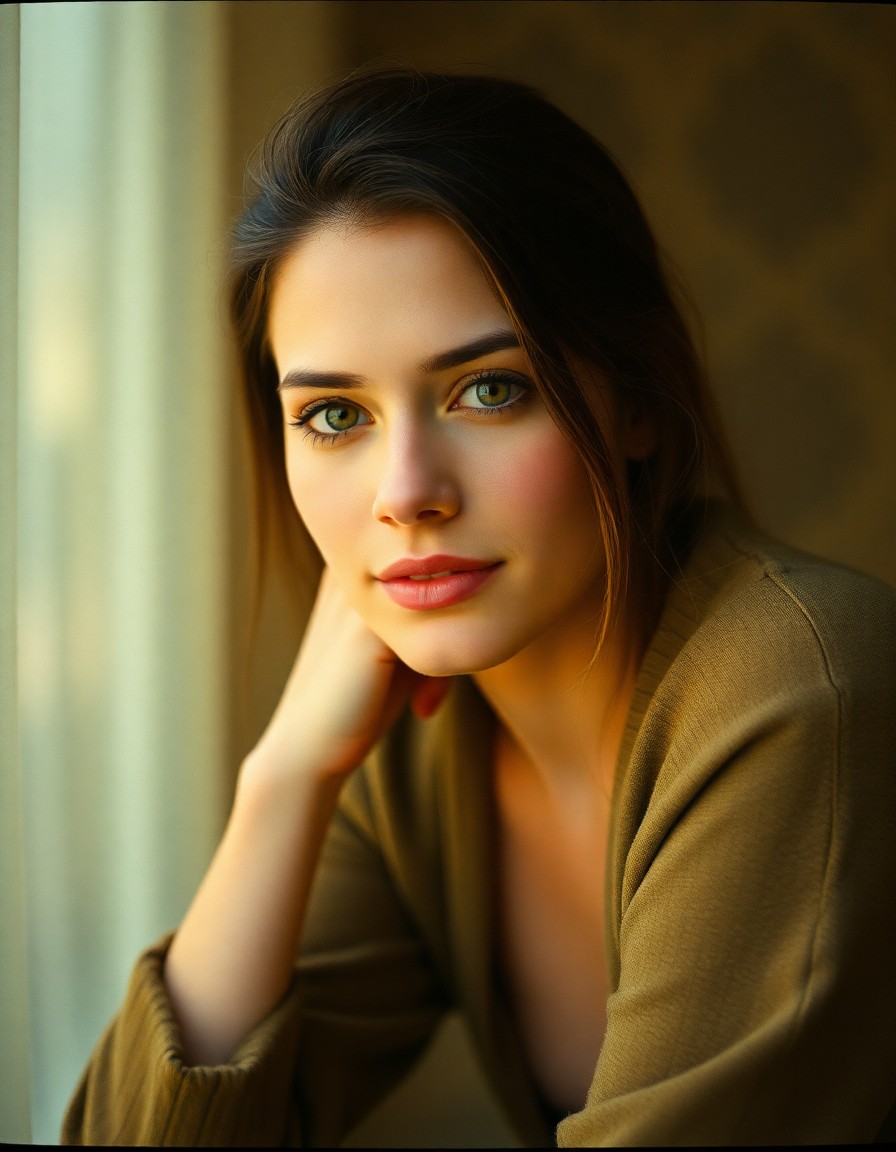
Vintage Film
Kodak Portra grain with nostalgic analog tones
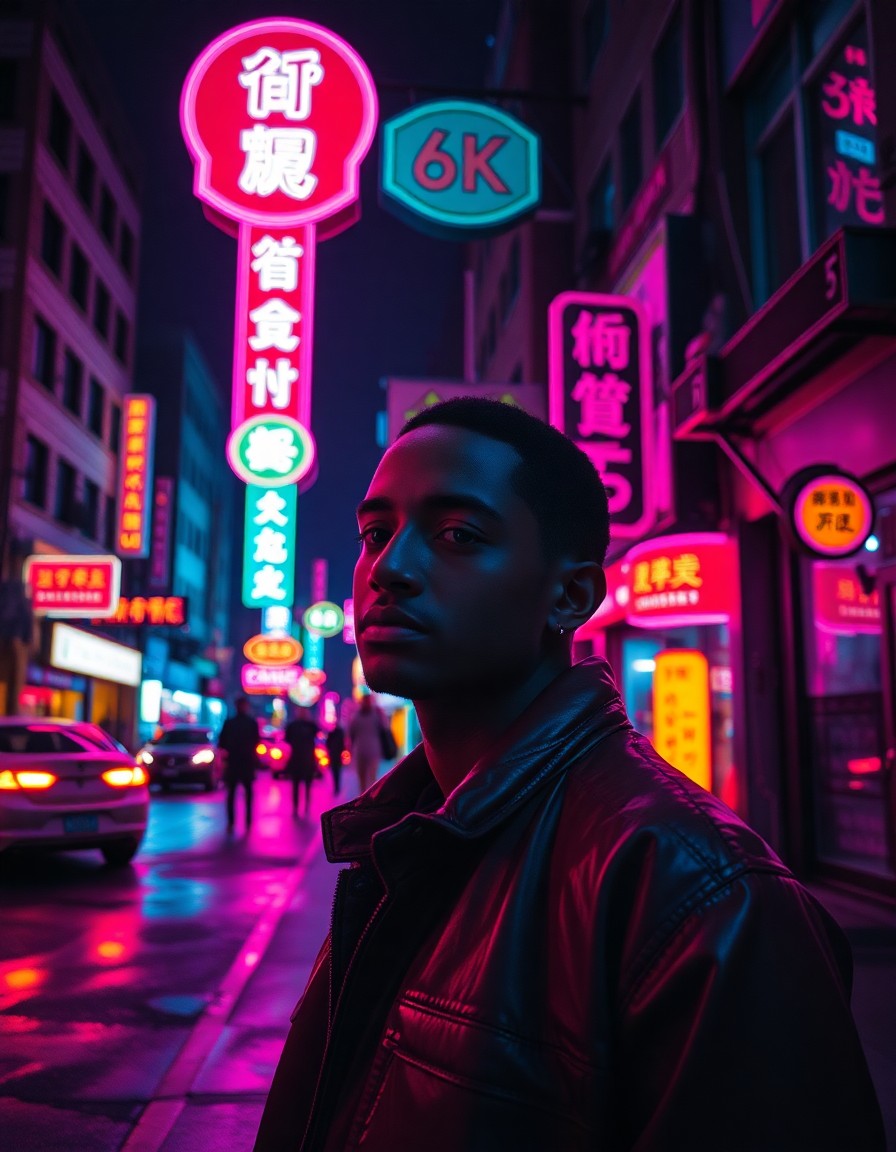
Neon Night
Magenta-cyan urban mood with wet reflections
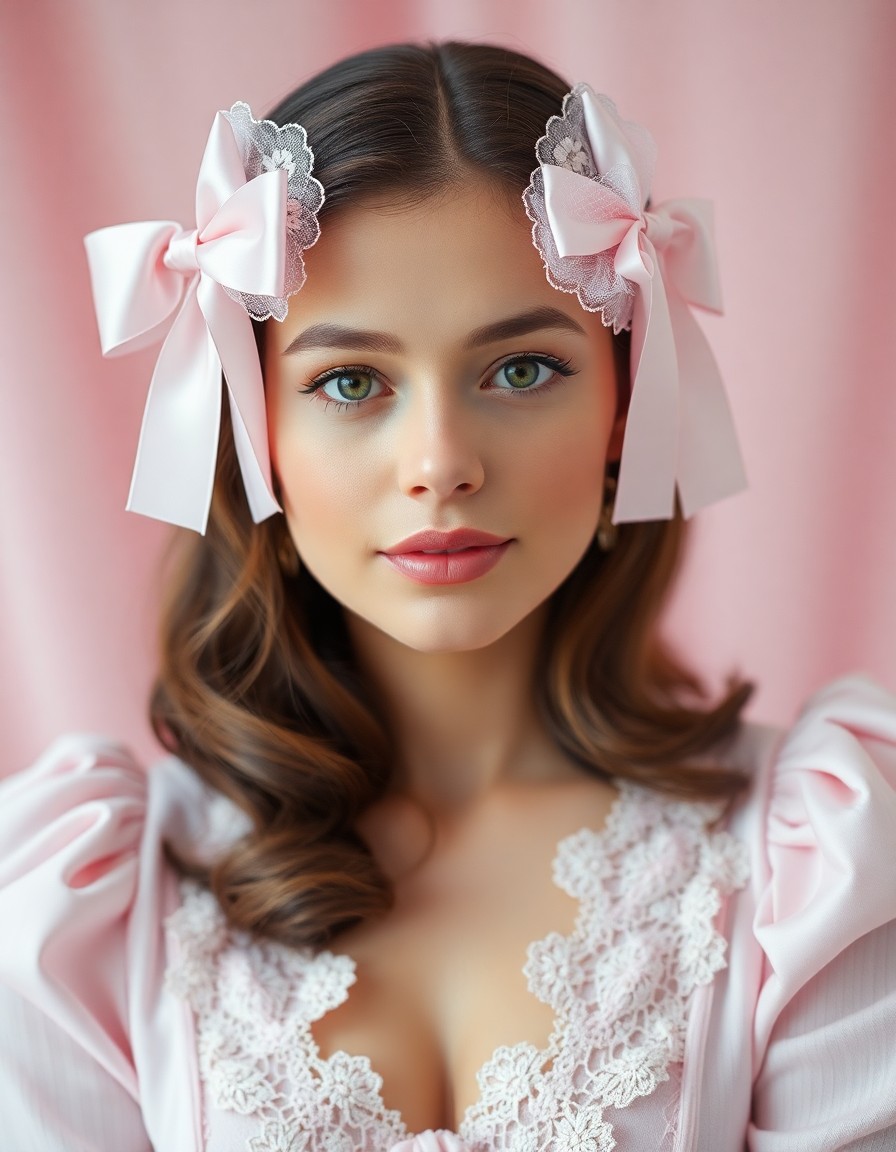
Coquette Core
Soft pink bows, lace, and romantic feminine mood
The complete AI editor for RSP editing
Generate, edit, and download trending RSP style images from one platform — instead of juggling separate apps for prompts, templates, and exports.
Prompt-to-image
Describe colors, mood, outfit, and background. The ai editor turns text into rsp editing trending visuals in seconds.
AI edit photo
Upload a reference picture and refine it with image-to-image mode — swap backgrounds, adjust lighting, or restyle the shot.
RSP editing template
Start from 20 built-in presets across five categories. Each rsp editing template encodes proven prompt patterns.
Display picture workflows
Compare text-to-image vs image-to-image side by side — the ai editor rsp editing dp workflow helps you pick the fastest path to a finished asset.
Creator-style outputs
Inspired by viral edits including ai editing rajan editz aesthetics — soft glow portraits, travel double exposures, and carousel covers.
One-page workflow
Generate, review showcases, and download without leaving the homepage. Built for speed, not tab-hopping.
Who uses this AI editor
From solo creators to small teams, RspAi covers rsp editing workflows — trending social edits, product visuals, and portrait restyles.
Content creators
Ship TikTok covers, carousel posts, and portrait edits.
Social media managers
Batch similar looks with rsp editing templates instead of rebuilding prompts from scratch every time.
E-commerce sellers
Turn product shots into styled flat lays and lifestyle visuals with ai edit photo mode.
Design enthusiasts
Explore double exposure, soft glow, and creator-inspired looks including ai editing rajan editz style references.
How to ai edit photo in RSP style
Four steps from idea to download — whether you start from an rsp editing template or a blank prompt.
Pick a template or prompt
Choose an rsp editing template preset or describe the trending look you want.
Upload optional reference
Use image-to-image when you need to ai edit photo assets you already have.
Generate and compare
Try variations with the ai editor rsp editing dp workflow — text vs reference, side by side.
Download and reuse
Save the final image and reuse the same rsp editing workflow for your next post.
Frequently asked questions
Common questions about the ai editor, rsp editing templates, and photo editing workflows.
Start creating trending RSP edits
Use the generator above — pick an rsp editing template, ai edit photo references, and download when you're happy with the result.