
RSP Editing AI New Photo
Upload a portrait or describe a fresh scene, then generate a new RSP-style photo with AI. Built for creators who want a quick new photo effect without manual editing.
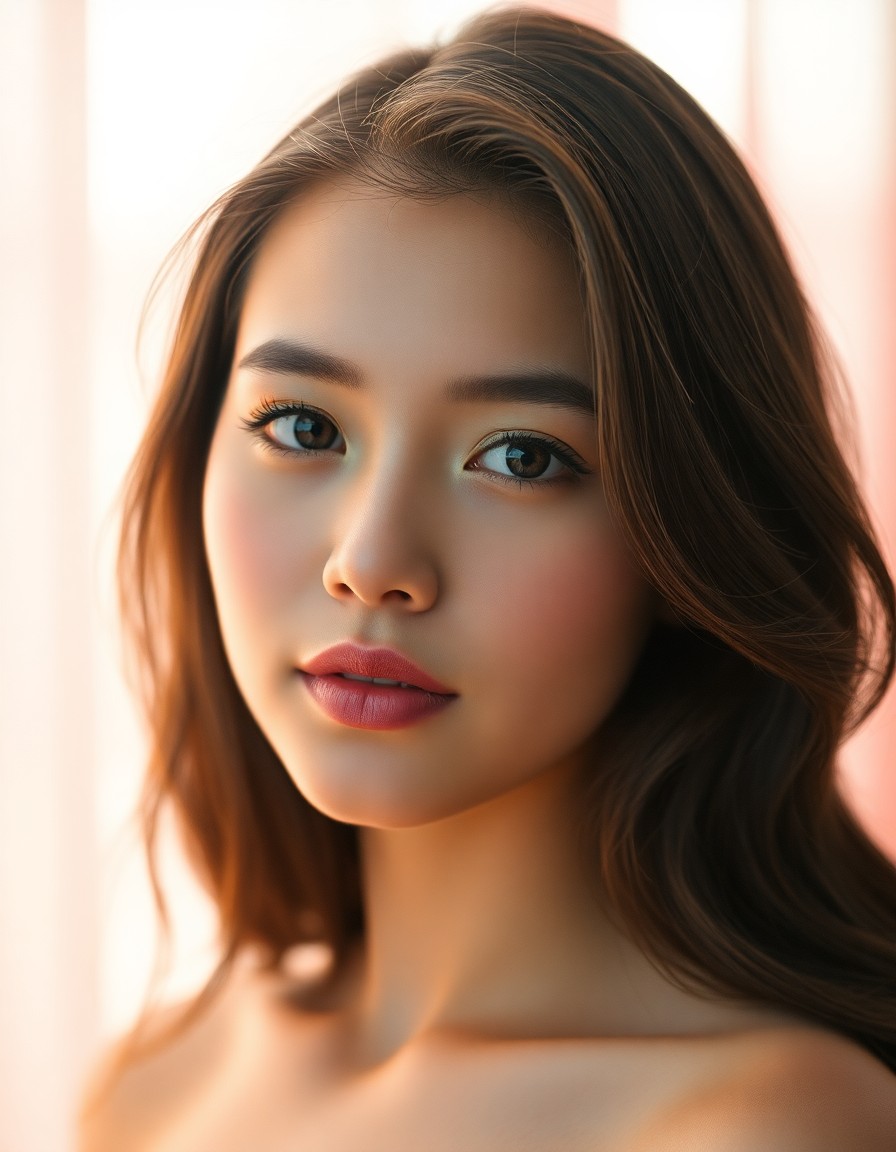
AI New Photo
RSP new photo generator
Upload a reference photo or write a prompt. RspAi turns it into a clean new RSP-style image with portrait glow, cinematic lighting, and social-ready framing.
RSP Editing AI New Photo generator
Advanced model settings
RSP Style Presets
Click a preset to fill the prompt — edit freely before generating.
Sign in or create an account to see your available credits. Trial availability is set by the current account policy.
Text creation costs 2 credits; vehicle photo editing costs 4. A task is charged when it is accepted. If the provider reports failure or cancellation, those credits are returned.
No Images Generated
RSP style examples
20 AI-generated RSP style looks — 4 presets per category. Open the generator and click a preset to recreate the style.
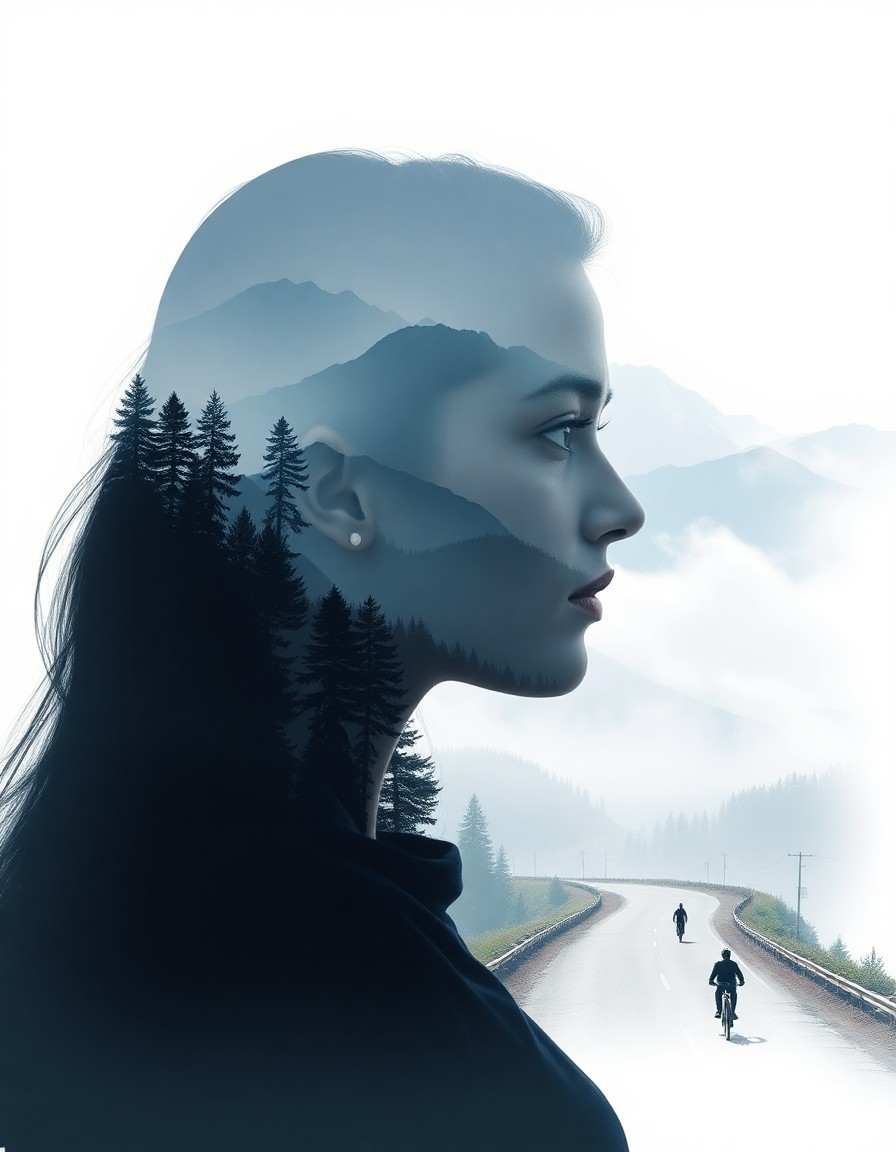
Double Exposure Rishikesh
Himalayan valleys blended inside a portrait silhouette
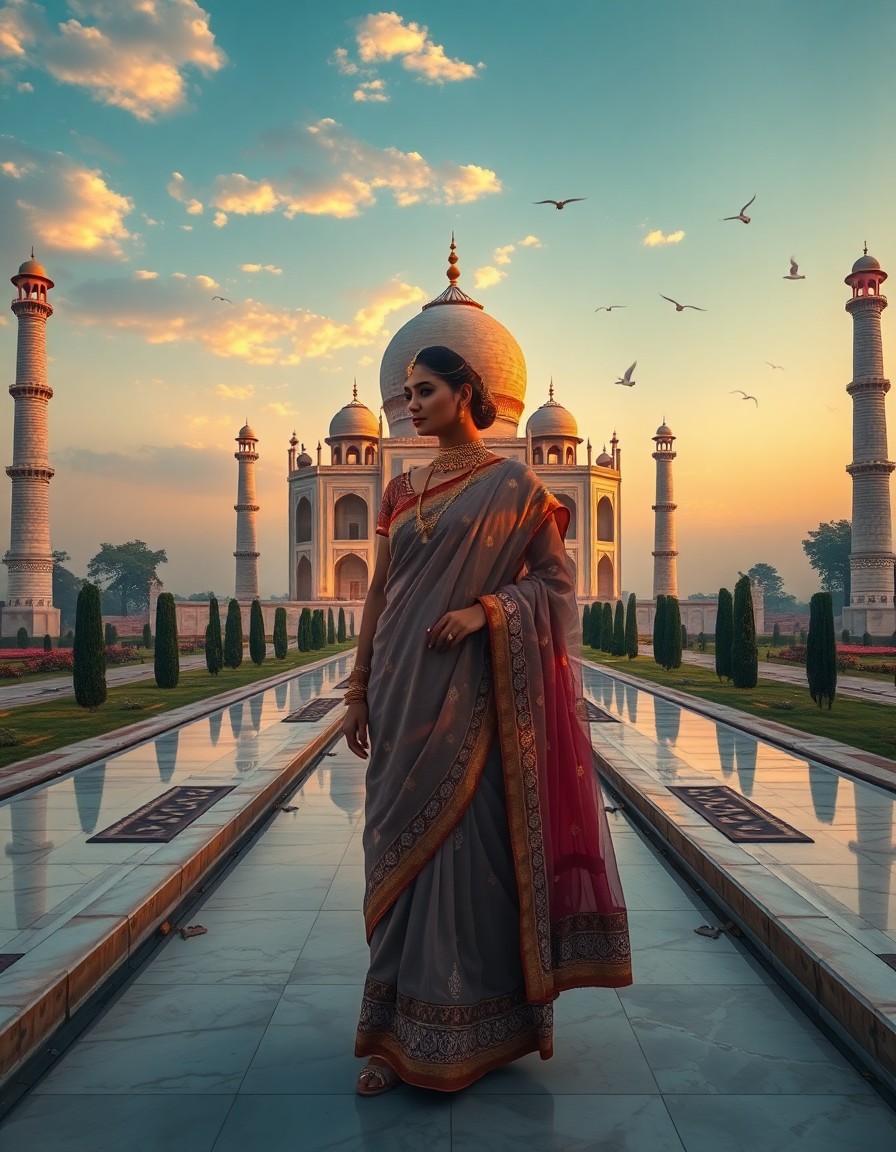
Double Exposure Taj Mahal
Royal sunrise Taj Mahal merged into an elegant portrait
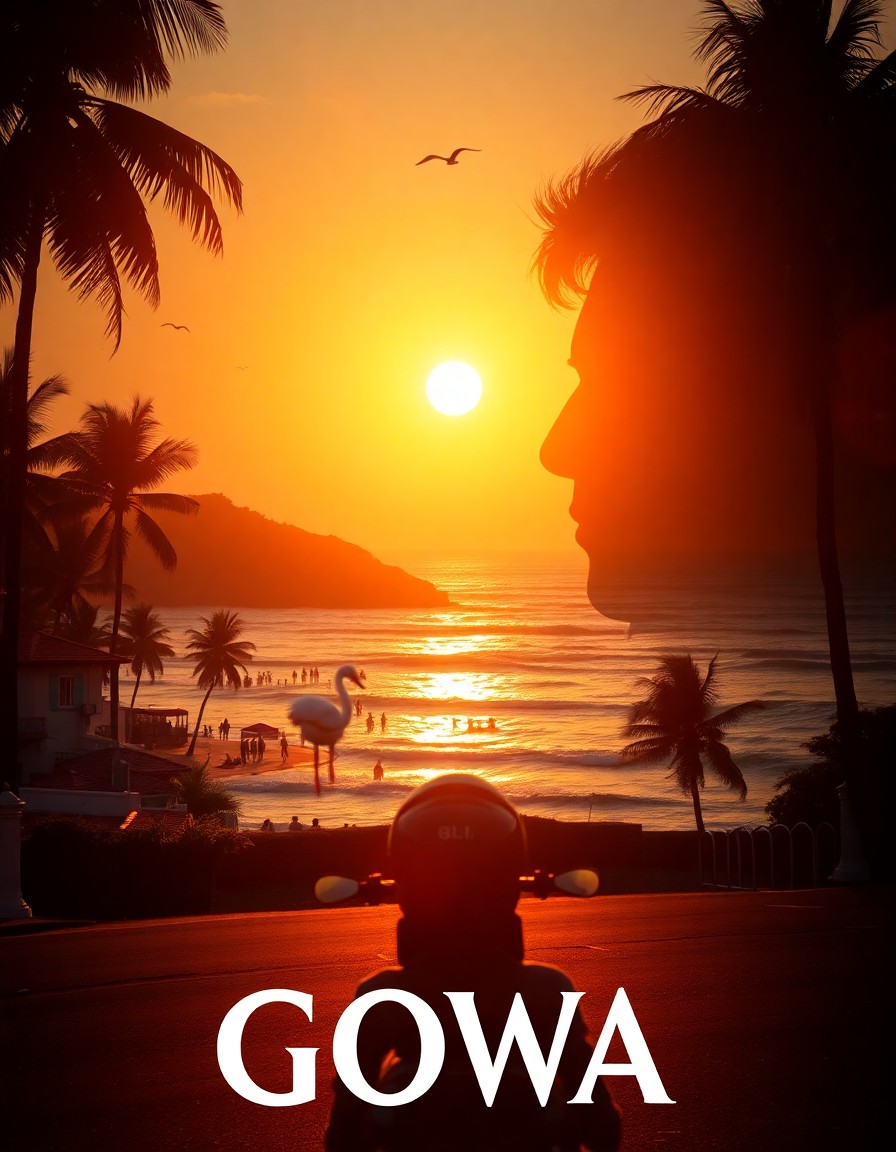
Double Exposure Goa
Sunlit beaches and coastal roads inside the silhouette
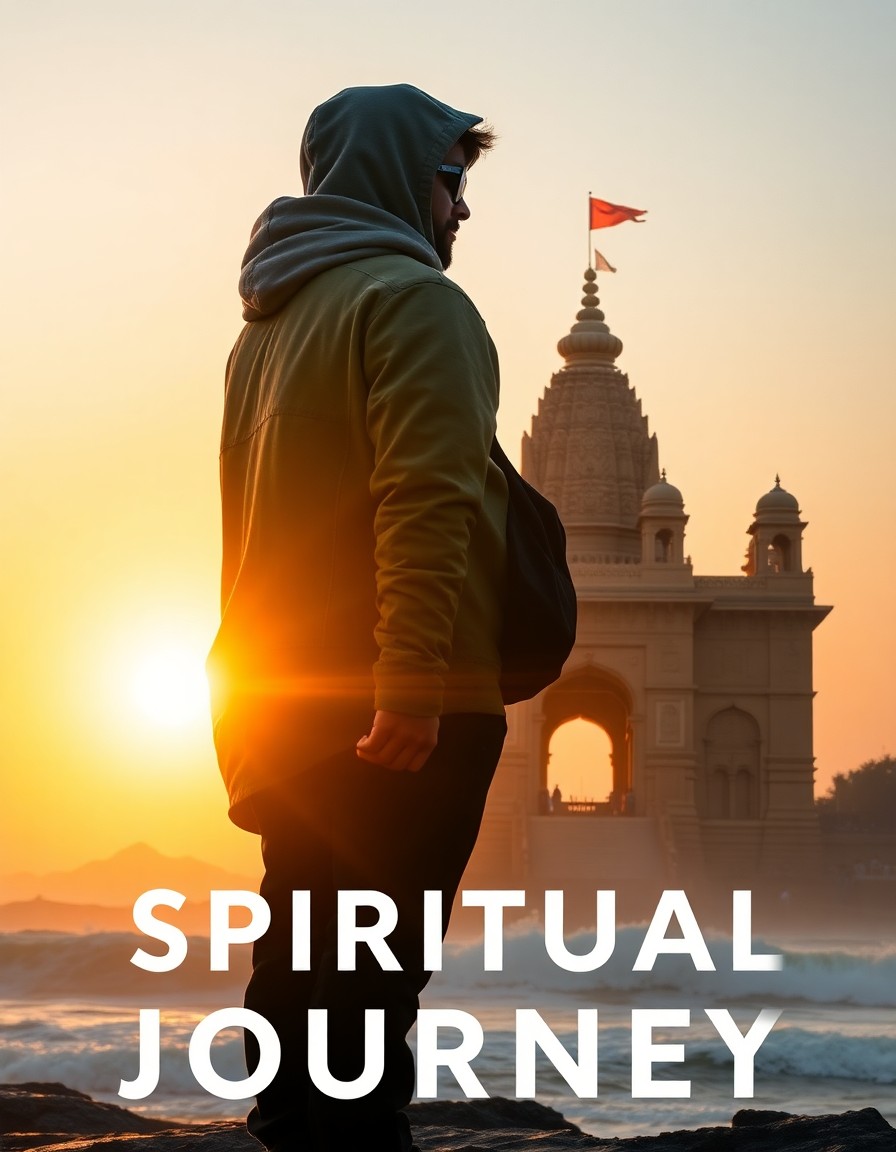
Double Exposure Jagannath Puri
Spiritual temple journey in a side-profile silhouette
Soft Glow Portrait
Warm peachy skin with soft film grain and glow
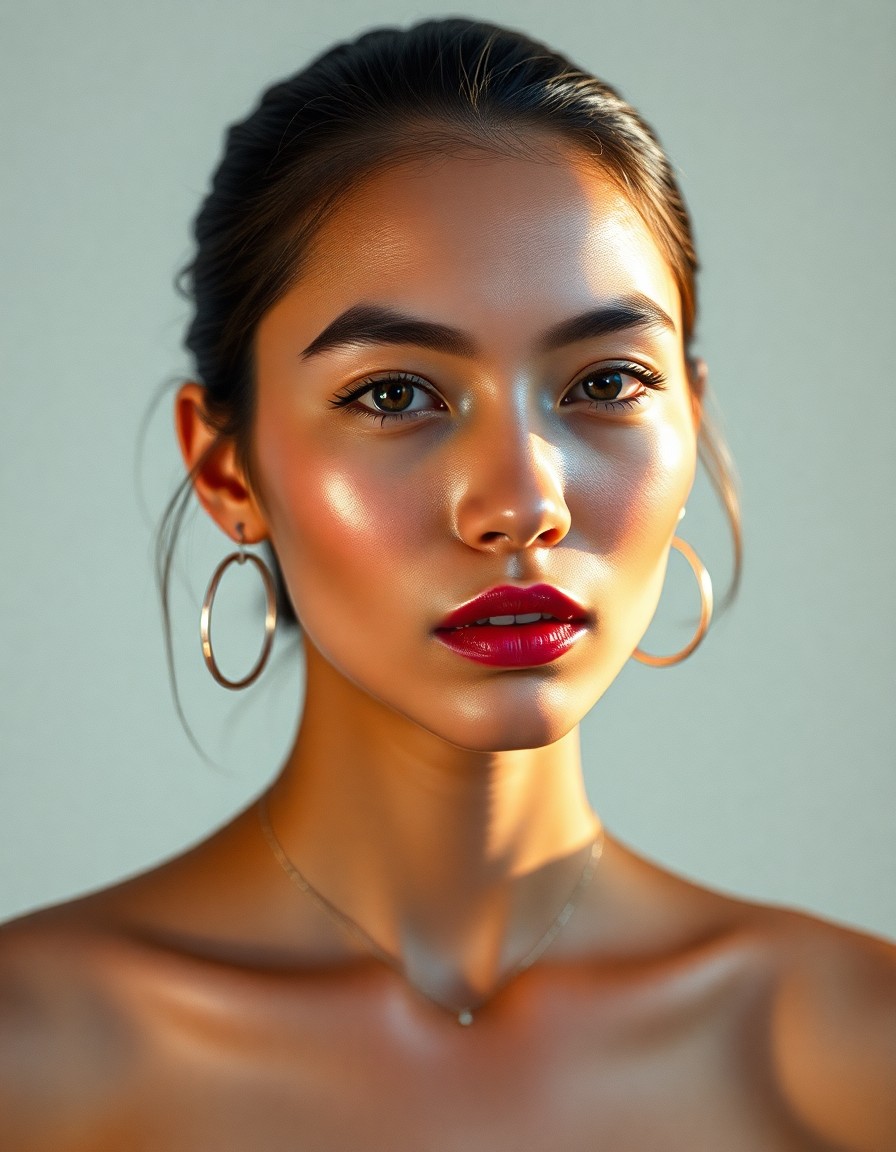
Y2K Flash Portrait
Direct flash, glossy skin, early-2000s editorial vibe
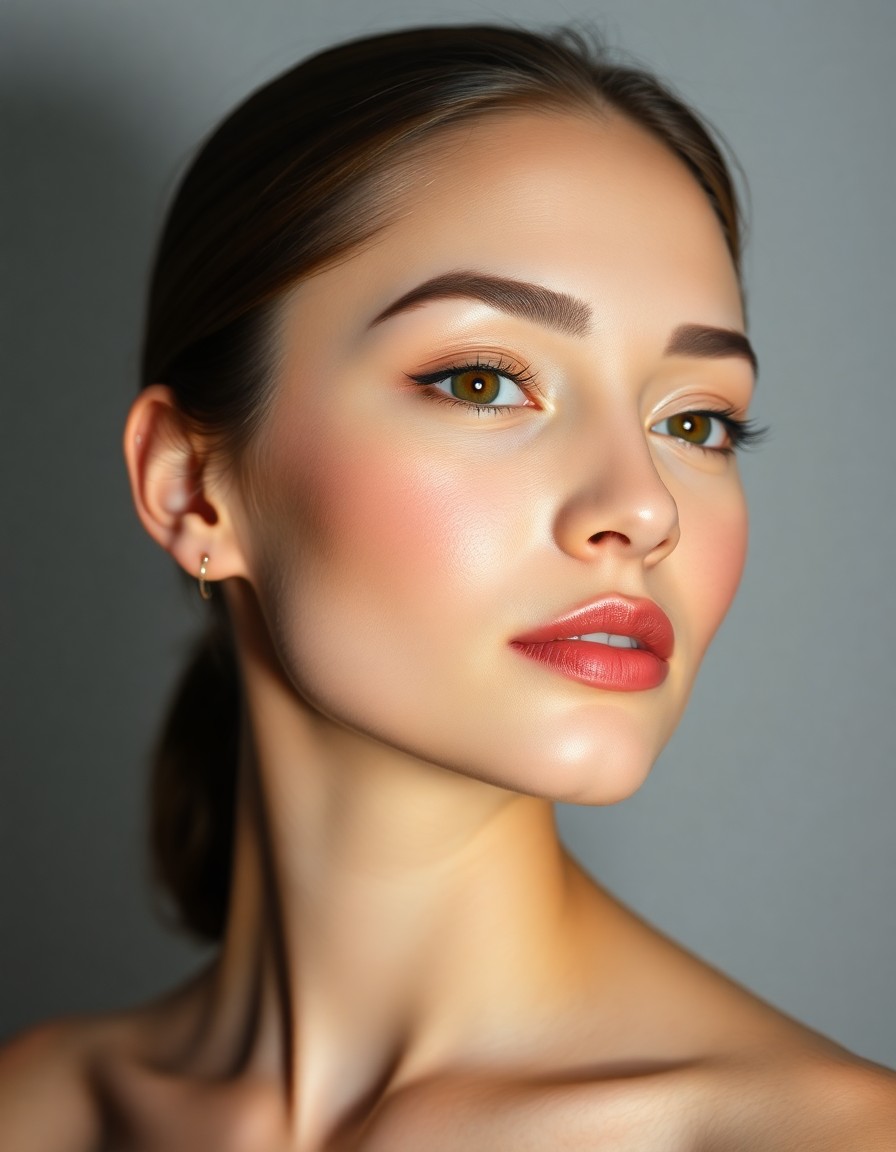
Studio Beauty
Clean studio light, polished commercial beauty look
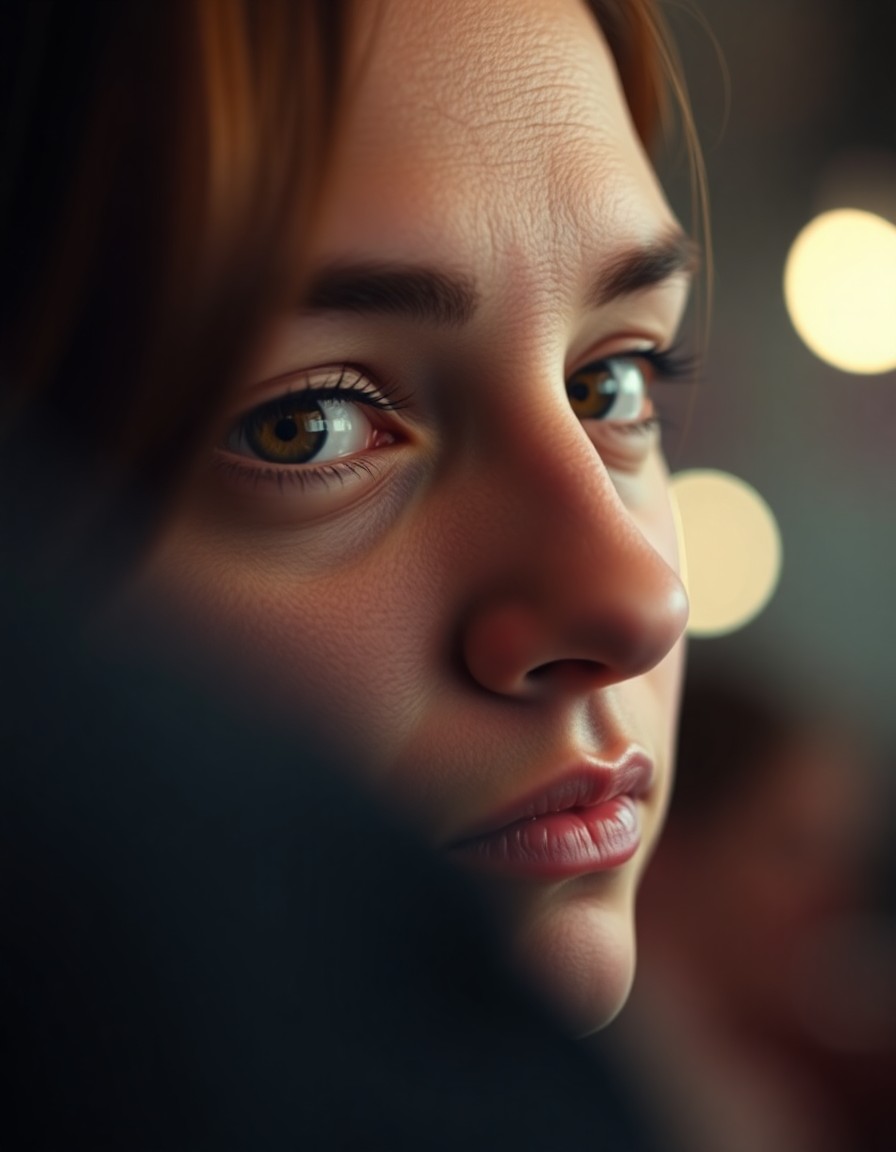
Cinematic Close-Up
Shallow depth of field, moody cinematic framing
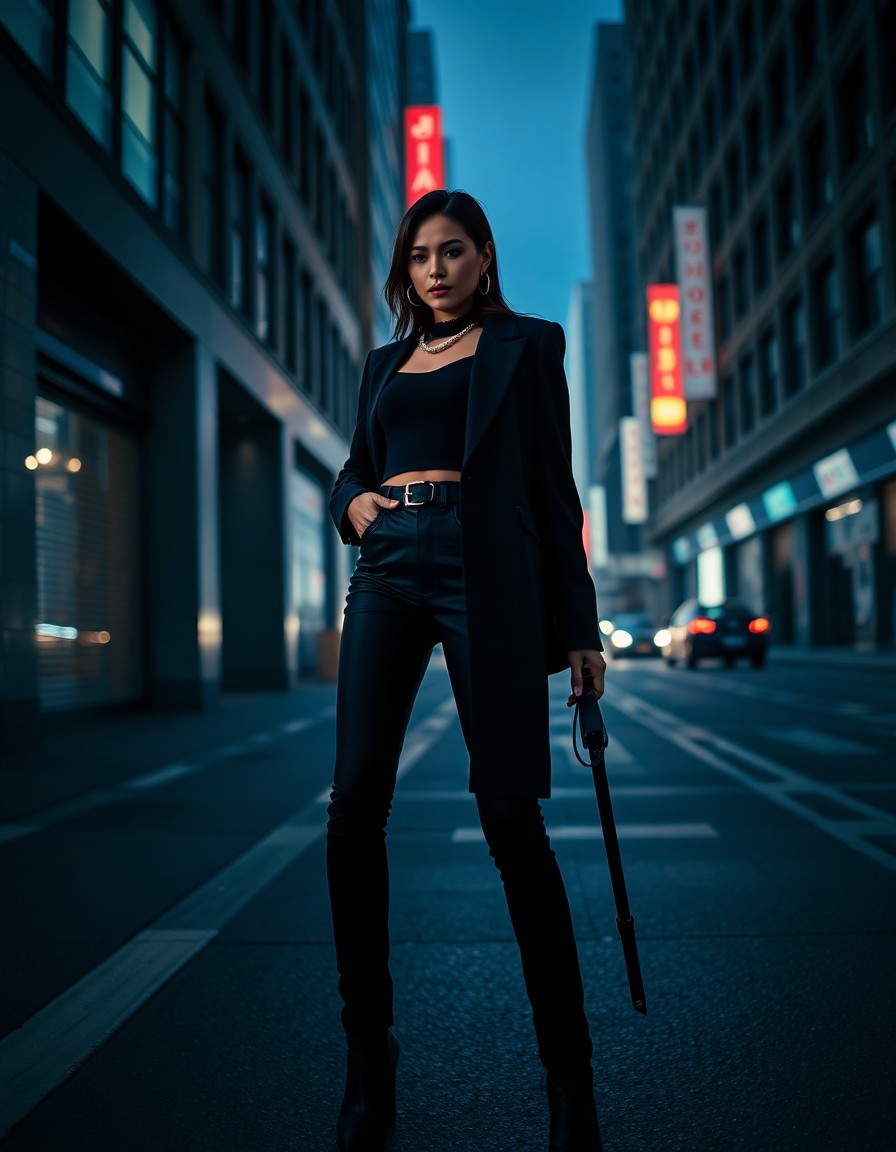
Street Fashion
Urban editorial with bold outfit and city light
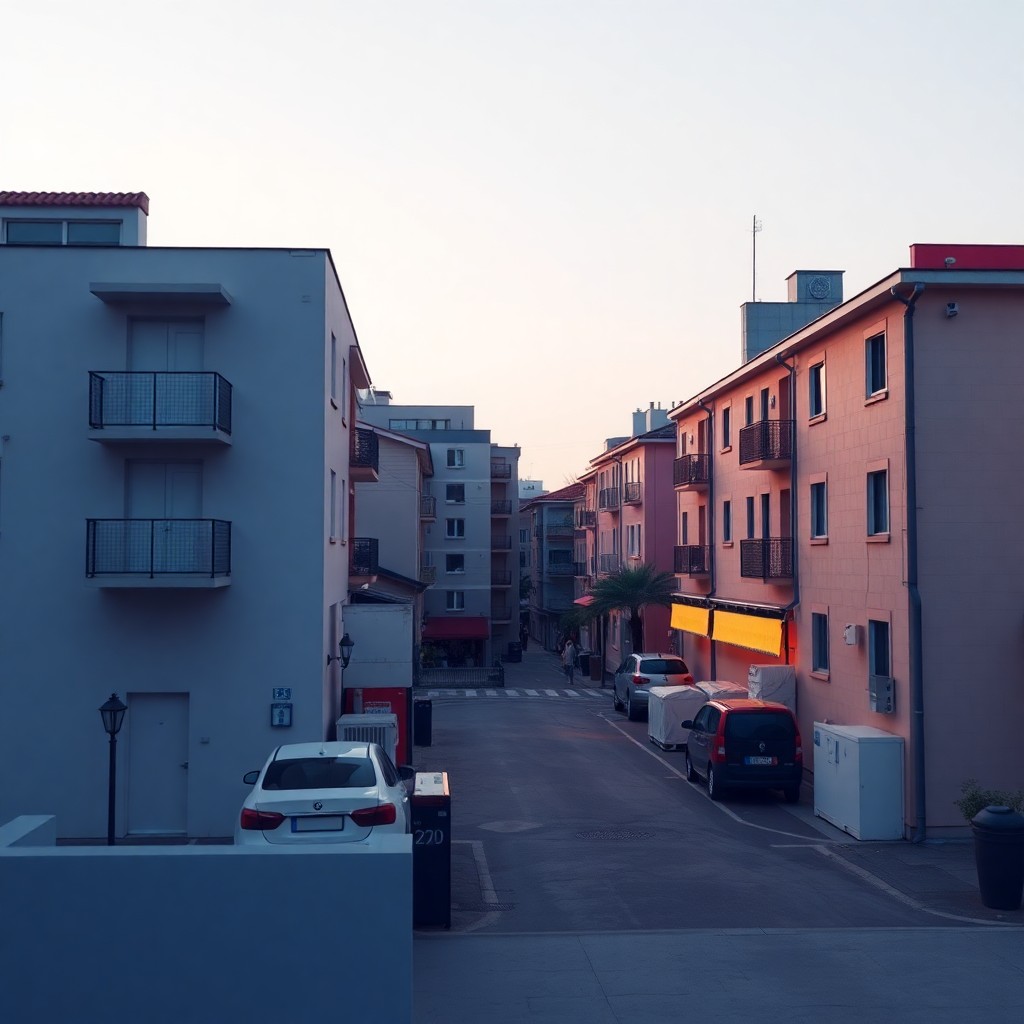
Carousel Cover
Bold focal hierarchy with headline-safe negative space
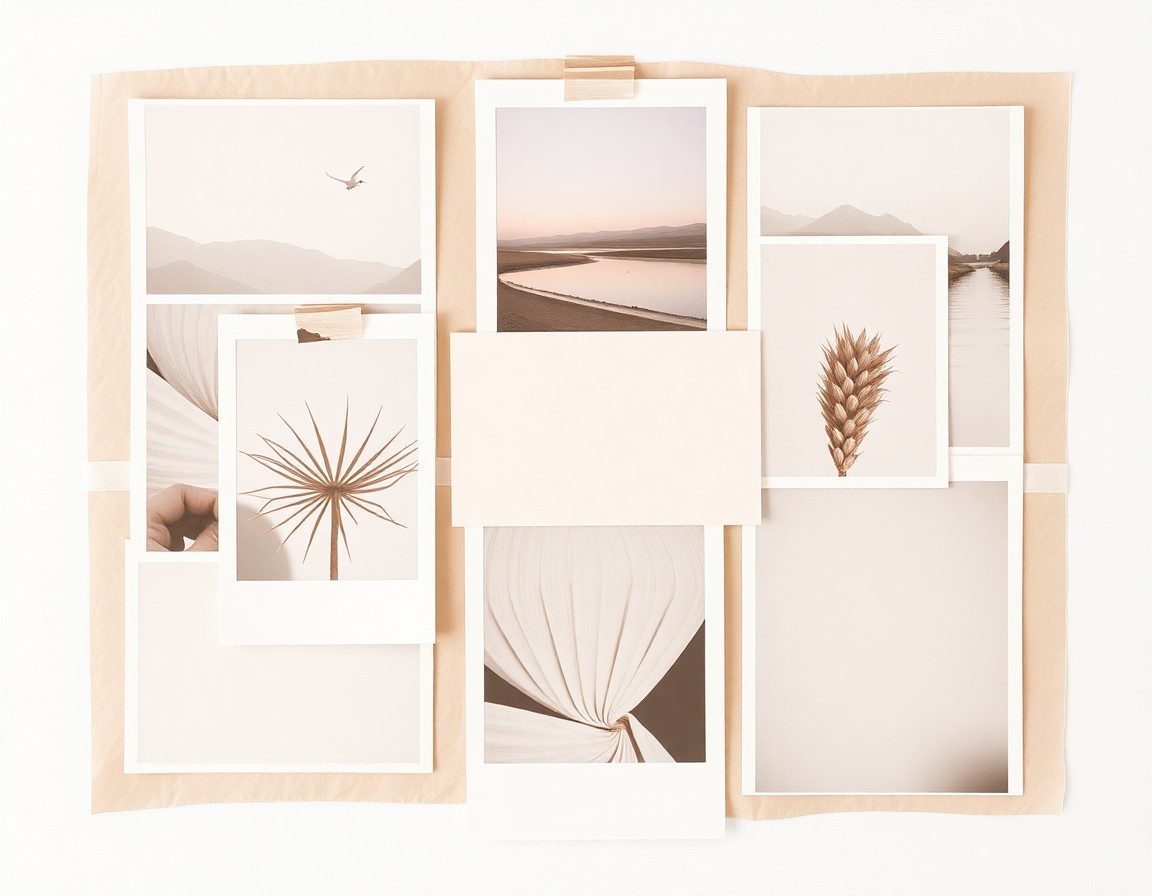
Mood Board
Warm cohesive collage with editorial spacing
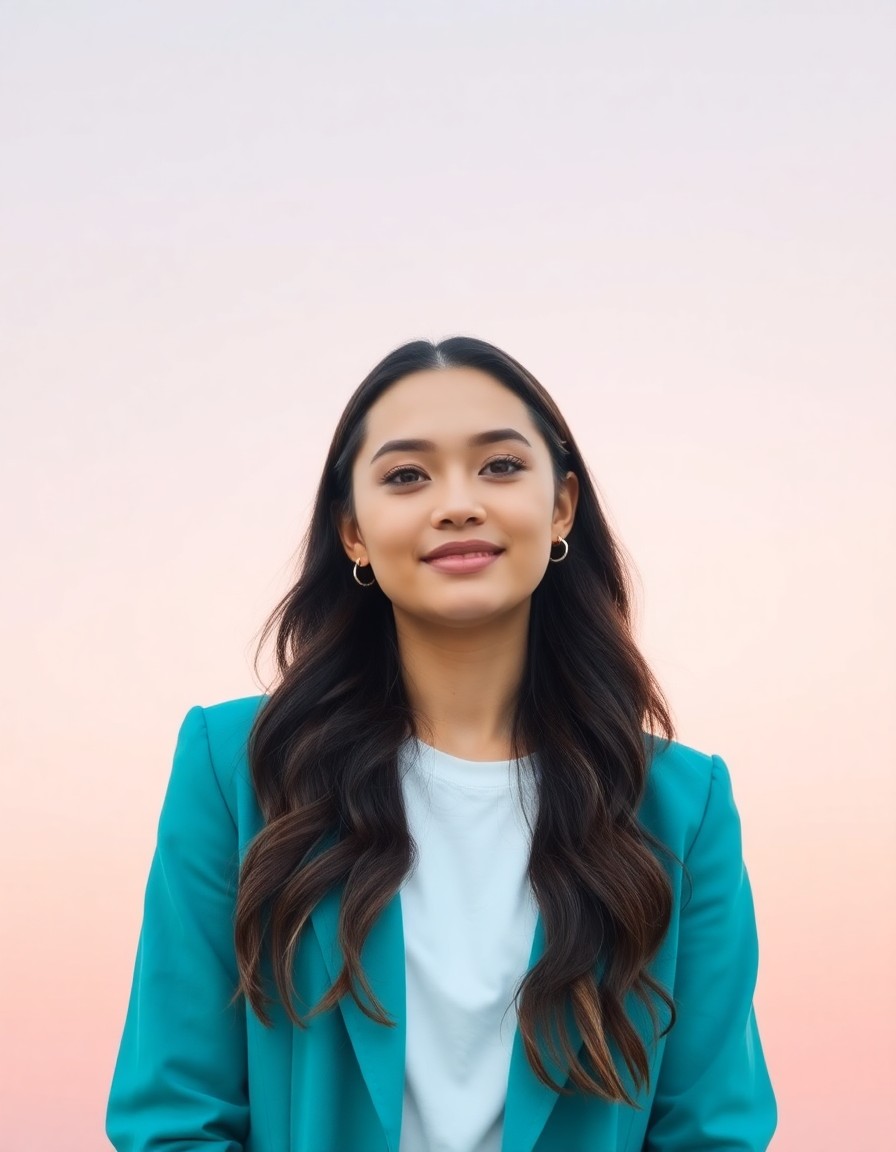
Reels Cover
Vertical cover with strong subject and title space
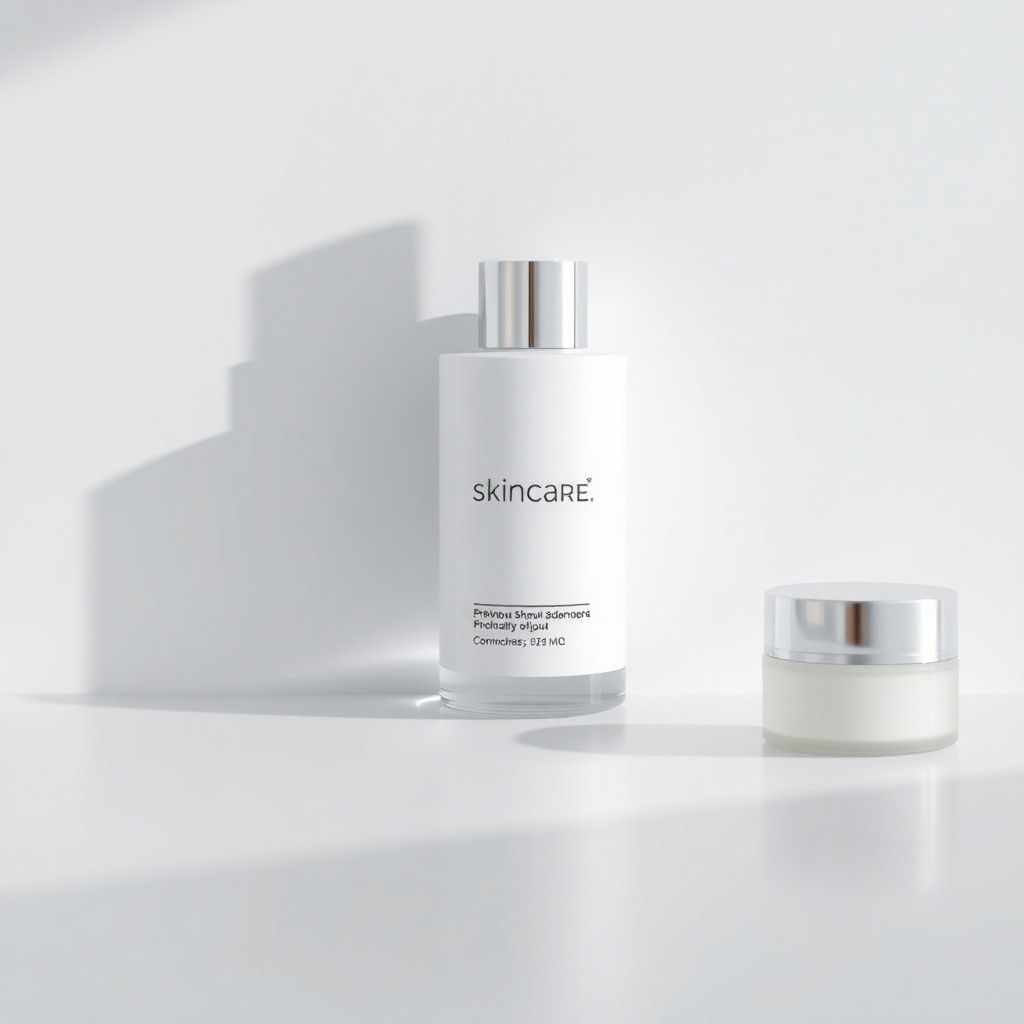
Clean Product Shot
Minimal studio background with luxury e-commerce polish
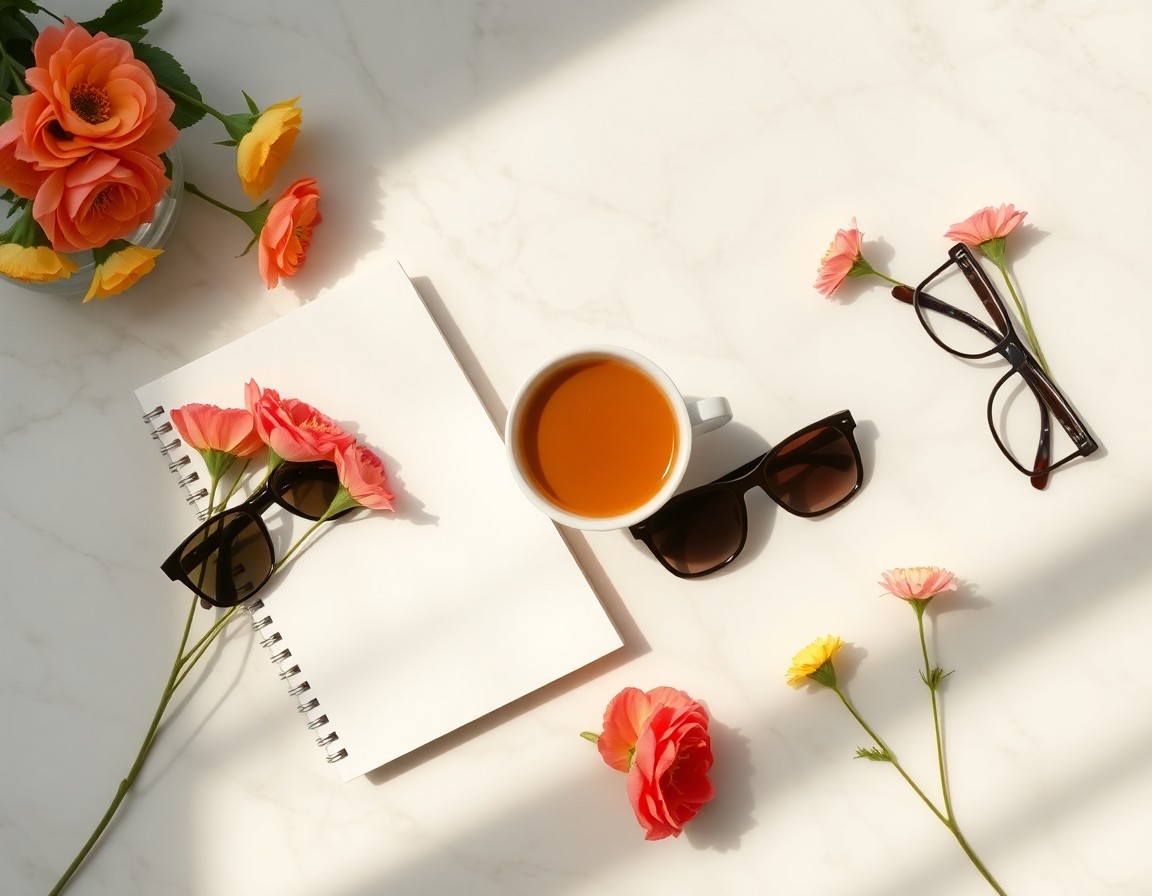
Lifestyle Flat Lay
Curated props on marble with natural light
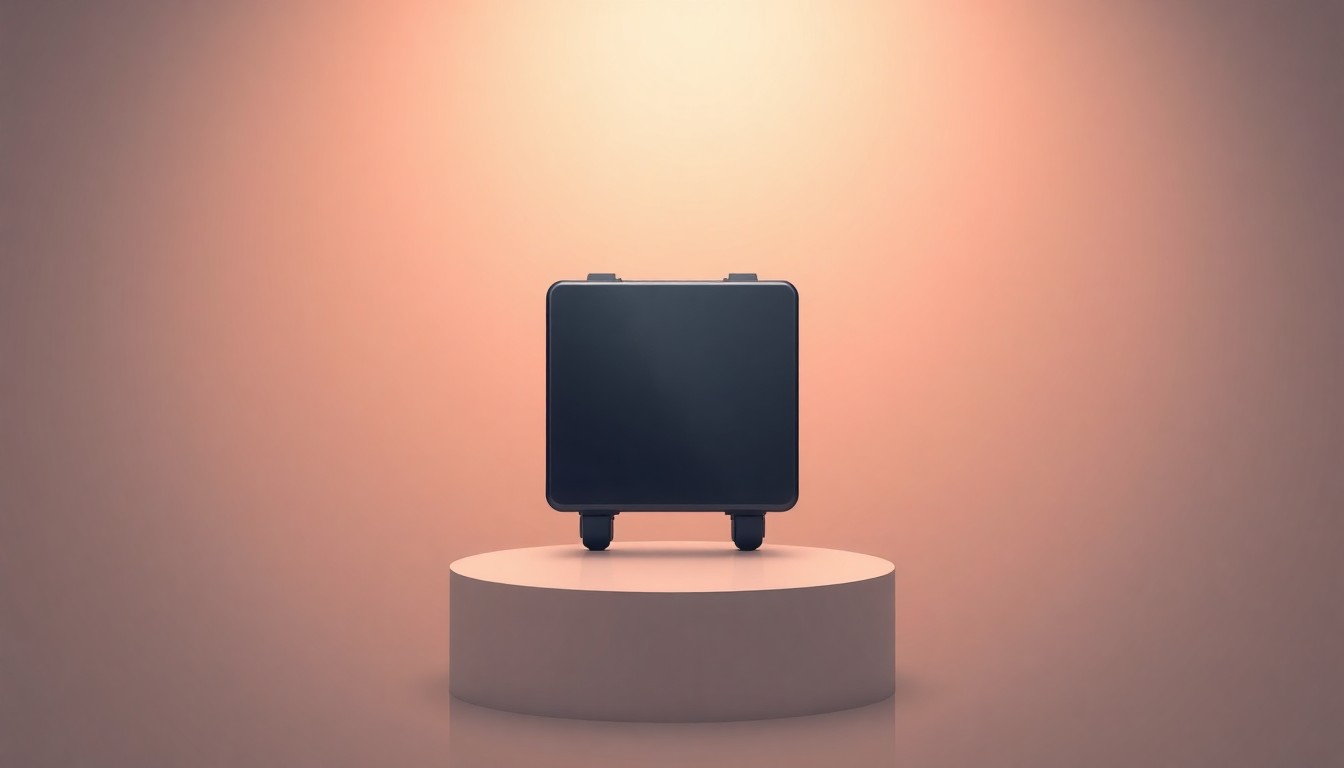
Hero Product Banner
Campaign banner with product hero and gradient backdrop
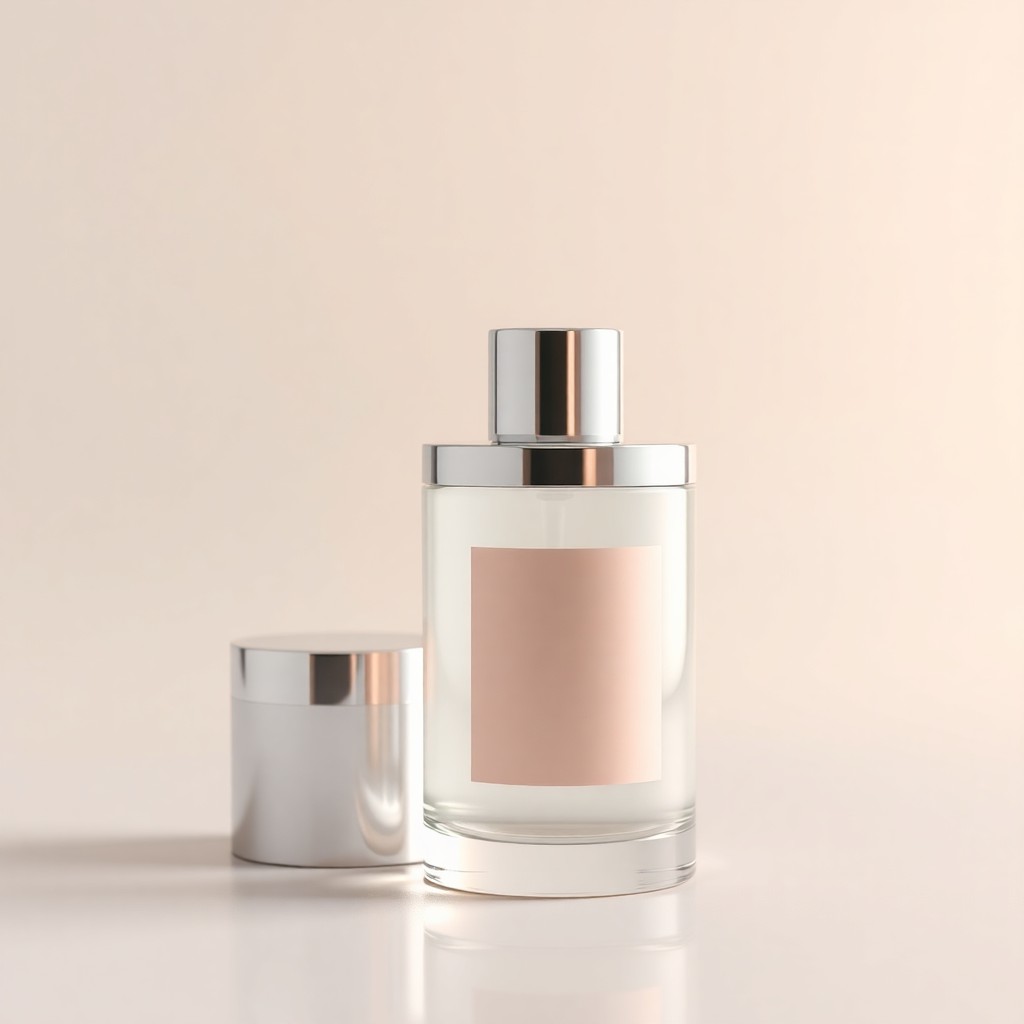
Luxury Cosmetic
Glass bottle highlights with spa-like soft reflections
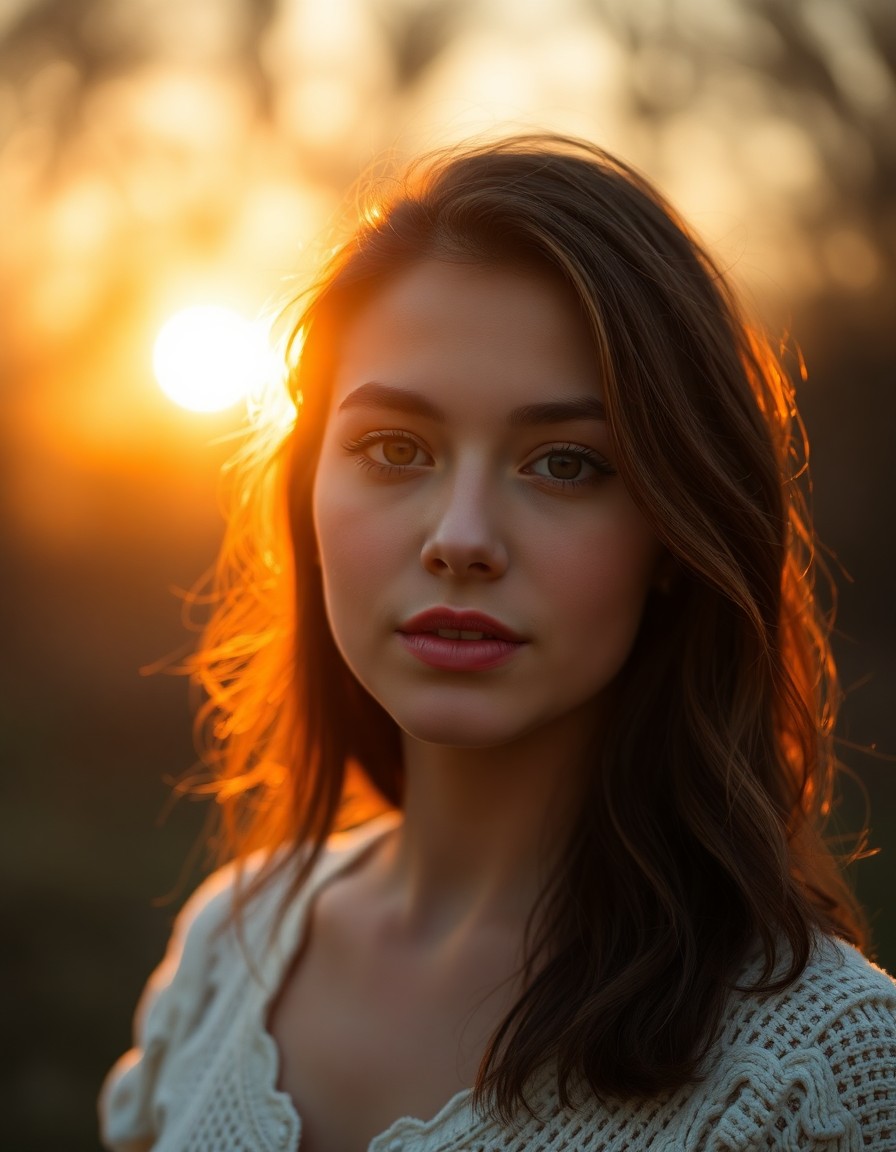
Golden Hour
Sun-kissed backlit warmth and lens flare
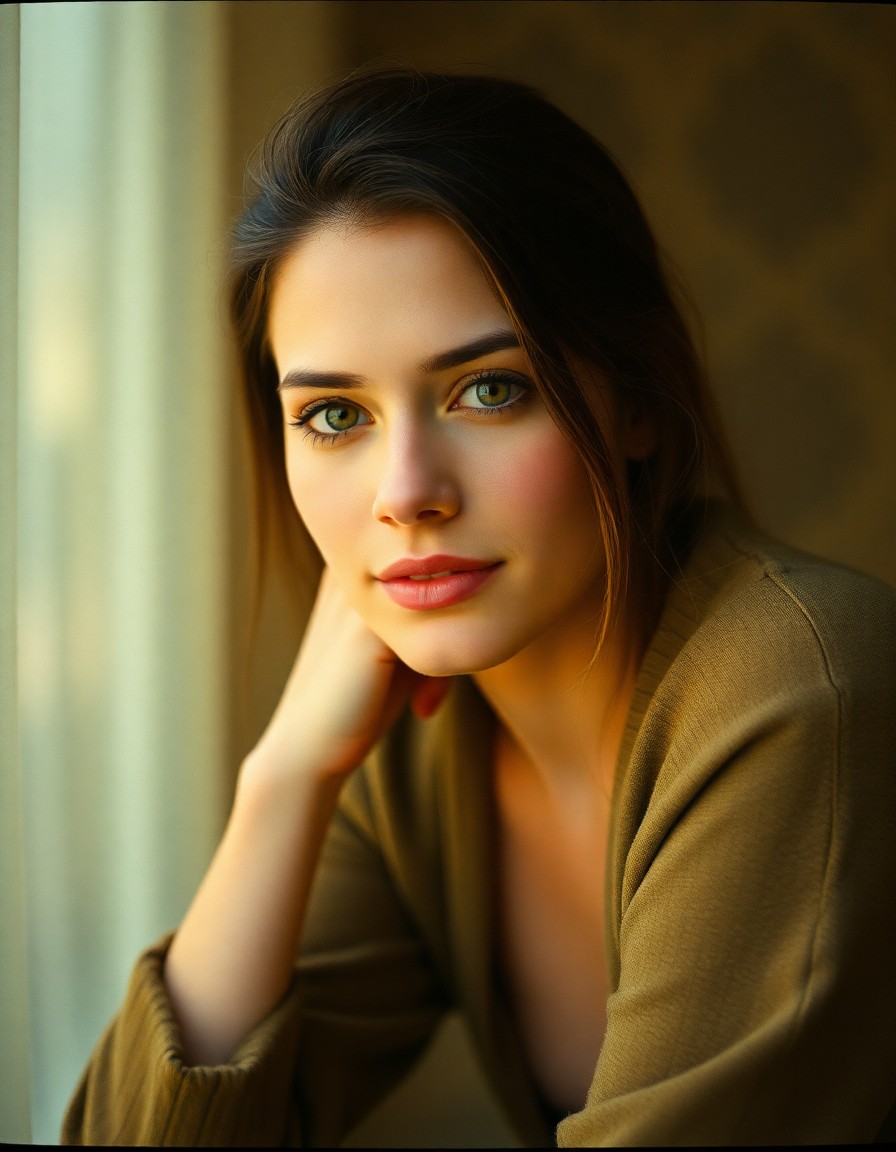
Vintage Film
Kodak Portra grain with nostalgic analog tones
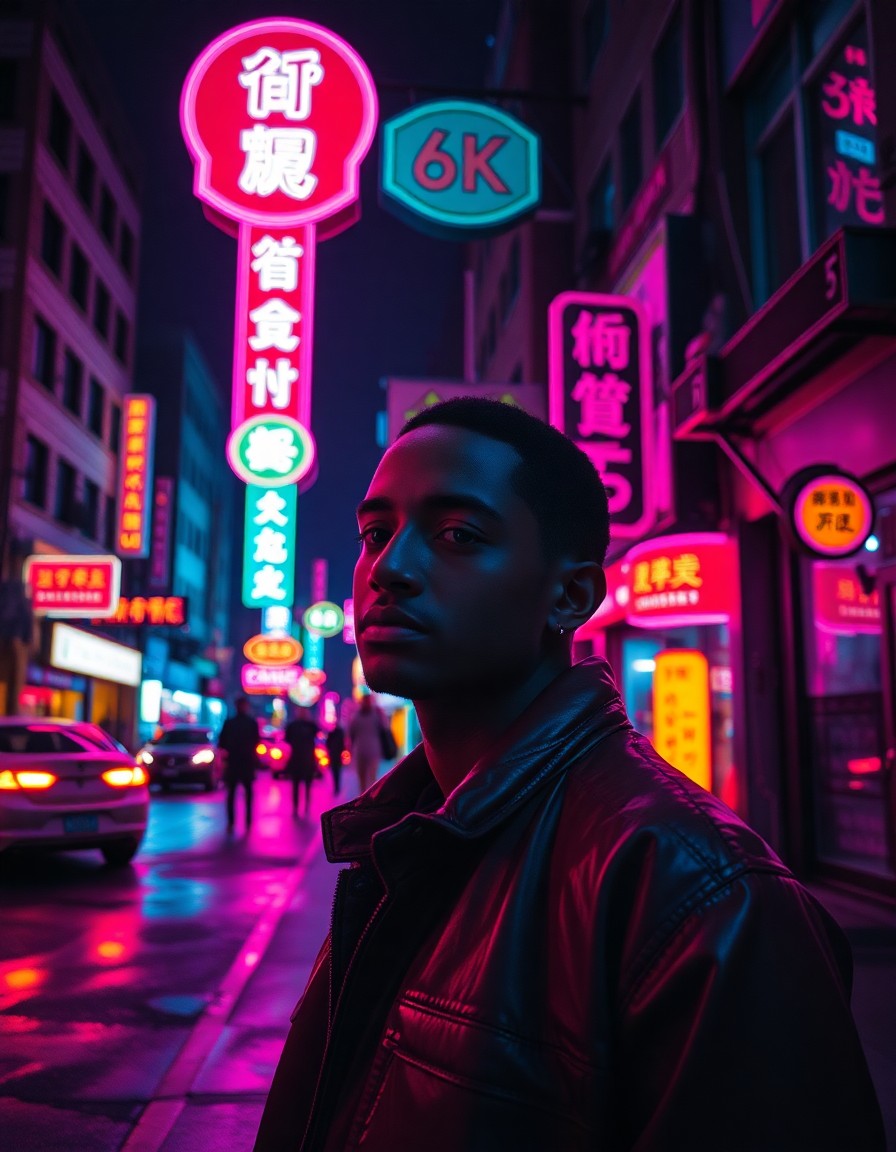
Neon Night
Magenta-cyan urban mood with wet reflections
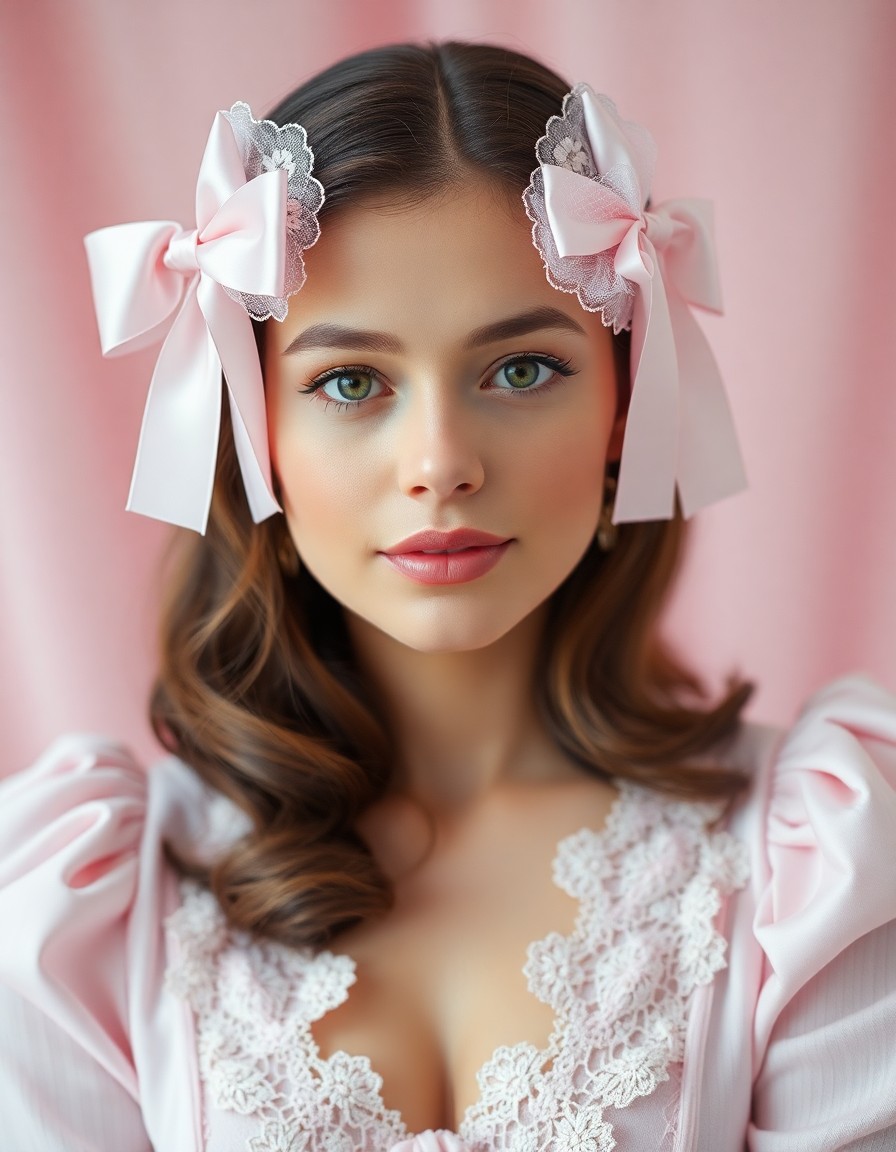
Coquette Core
Soft pink bows, lace, and romantic feminine mood
Generate a fresh RSP-style photo from any idea
Take an existing face reference or a blank prompt and create a new image that feels ready for profile photos, posts, and edits.
Upload or prompt
Start with your own image for image-to-image editing, or describe a new scene from scratch.
New RSP look
Generate a fresh photo with glow, depth, clean skin tone, and RSP-style composition.
Ready to download
Try variations, pick the strongest image, and download it for social use.
How to create an RSP AI new photo
A simple upload-to-generate flow for new photo effects online.
Choose the photo mode
Use text-to-image for a completely new scene, or image-to-image to keep the subject from your upload.
Describe the new photo
Add mood, outfit, background, lighting, and RSP editing details.
Generate variations
Run several versions until the new photo has the right expression, glow, and framing.
Download the result
Save the final RSP-style photo and reuse the same prompt for more looks.
Built for new photo RSP edits
Everything on this page supports the new-photo workflow: upload, generate, compare examples, and continue into related RSP tools.
New profile photo effect
Create polished portrait looks for display pictures, reels covers, and creator posts.
Before/after inspiration
Use the showcase gallery as style references for soft glow, studio beauty, cinematic close-up, and fashion edits.
RSP Editing AI New Photo FAQ
Answers for creators using RspAi to generate a new RSP-style photo online.
Create your new RSP photo
Upload a reference or write a prompt, then generate a new RSP-style image online.