
AI RSP editing — generate trending RSP style images online
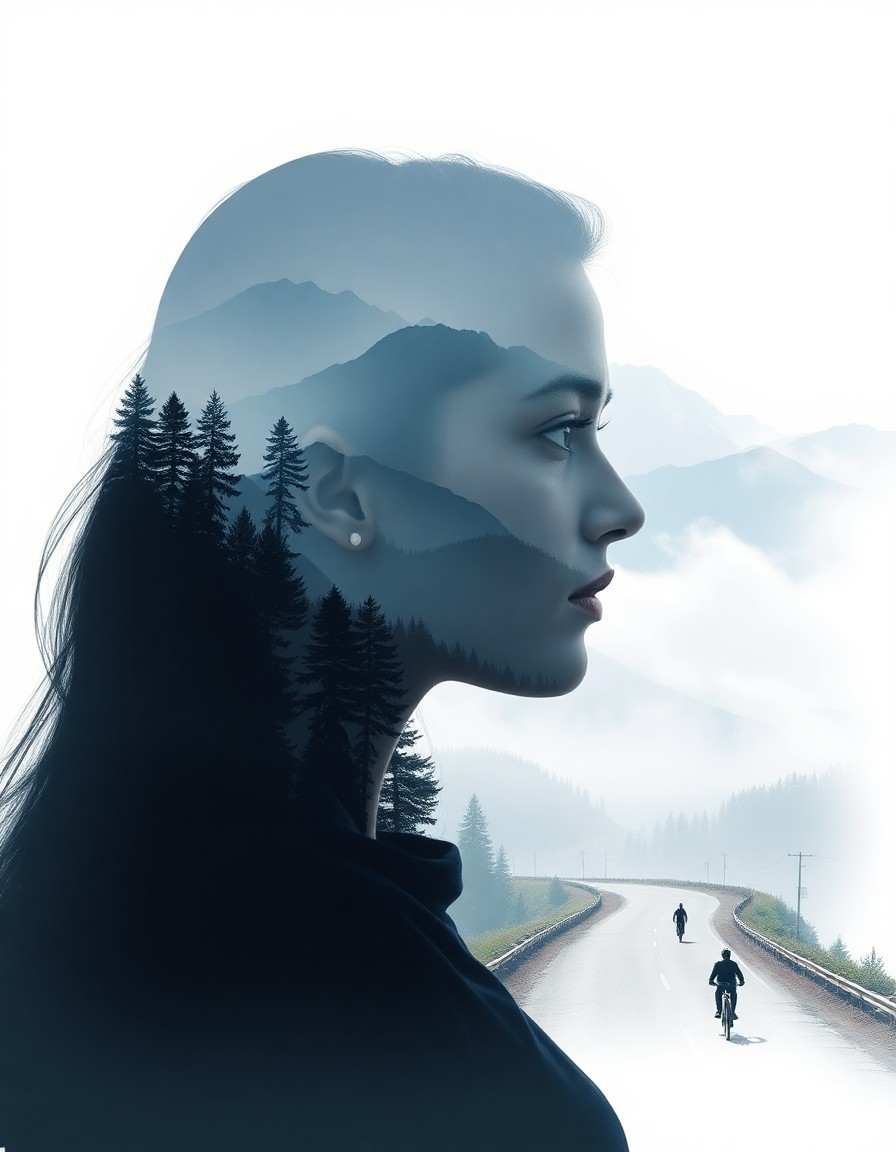
Turn a prompt or reference photo into an RSP-style portrait, double exposure poster or social image. Choose a preset, customize the details and preview your AI-generated results.
Tool
AI RSP editing generator
Pick an RSP preset or write your own prompt. Text-to-image and image-to-image editing on the same page. Sign in to generate; each generation uses credits shown in the workspace.
AI RSP editing generator
Advanced model settings
RSP Style Presets
Click a preset to fill the prompt — edit freely before generating.
Sign in or create an account to see your available credits. Trial availability is set by the current account policy.
Text creation costs 2 credits; vehicle photo editing costs 4. A task is charged when it is accepted. If the provider reports failure or cancellation, those credits are returned.
No Images Generated
What is AI RSP editing?
AI RSP editing combines prompt-based generation and reference-photo editing to produce the trending RSP look — soft glow portraits, travel double exposures, carousel covers, and product visuals.
Prompt-first RSP workflow
Describe mood, colors, outfit and background to guide your generated image.
Reference photo editing
Upload a photo and refine it into a cleaner RSP variation with image-to-image mode.
20 curated presets
Browse travel, portrait, social, product and aesthetic prompts, then customize the details.
How to use this AI RSP editing page
Choose a prompt, sign in and check your credits, then generate and preview an image.
Choose a preset or write a prompt
Click a preset to fill the prompt, then adjust keywords for your scene.
Generate and compare
Run a few variations until the RSP mood, color, and composition match your goal.
Download or iterate
Save the image or switch to image-to-image for another pass.
Create RSP images from your ideas
Start with a preset
Choose a portrait, travel or aesthetic prompt and adapt it to your scene.
Customize your prompt
Describe the lighting, colors, outfit and background for your image.
Preview and download
Review the generated image in the workspace, then download it or refine your prompt.
AI RSP editing FAQ
Try AI RSP editing now
Choose a preset or add a reference photo. Sign in and check the credit cost before generating.